

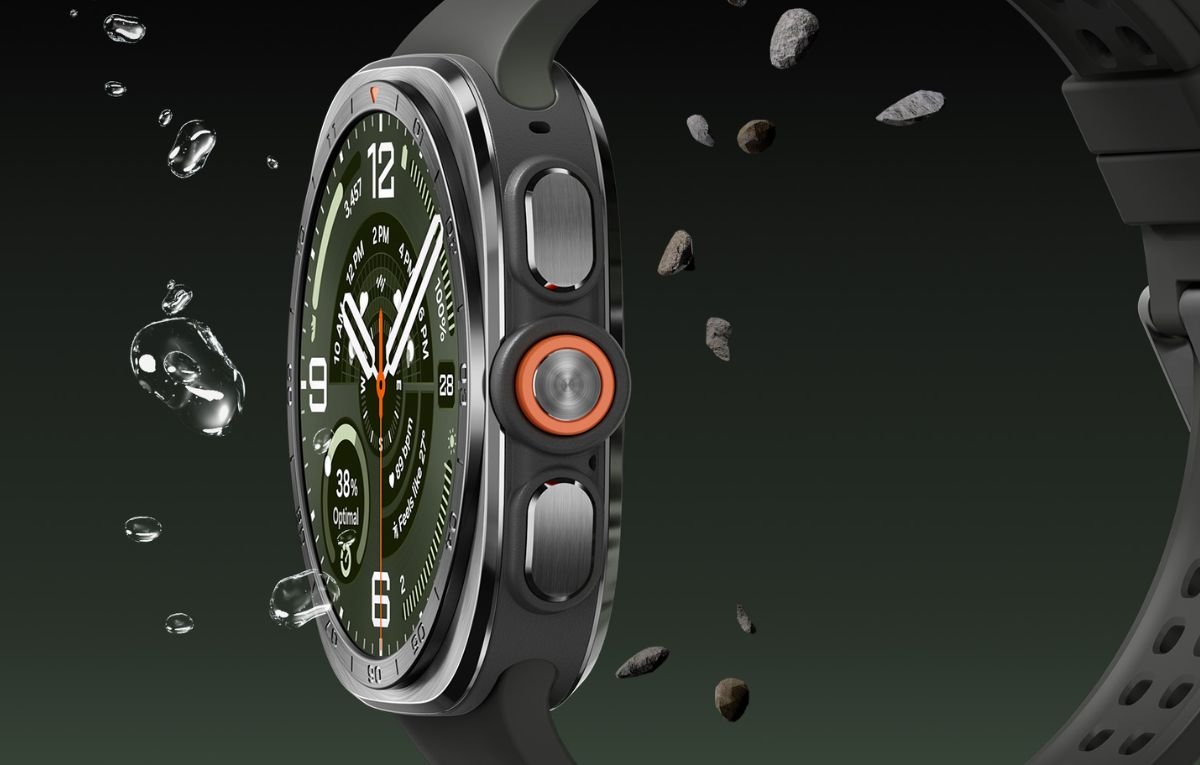
Staying healthy sounds simple enough: eat better, move more, sleep well, and, of course, try not to stress about all of it. But what if your smartwatch could help you keep tabs on some of these things right from your wrist?
Of course, the Samsung Galaxy Watch Ultra 2 measures steps, heart rate, calories burnt, ECG, and blood pressure like most smartwatches on the market.
But there are some cool features that set it apart from the rest, and yes- it has caught our attention.
Keep an Eye on Your Stress Levels
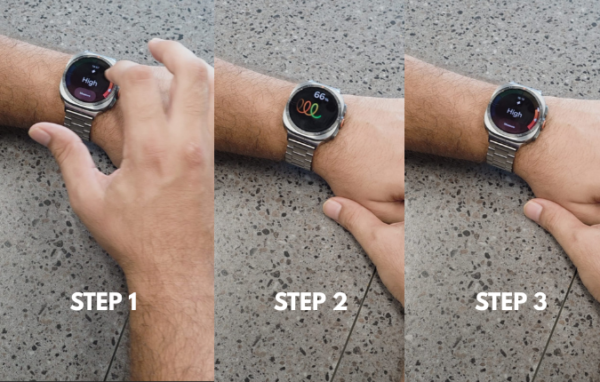 Feeling stressed? Your watch might have something to say about it.
The Galaxy Watch Ultra 2 can measure your stress level using its health sensors. With just a quick tap, you can check your current stress measurement and get a better idea of how your body is responding.
Think of it as a tiny reminder on your wrist saying, “Hey, maybe take a breather!”
- Open the Samsung Health App
- Select the Stress Levels Option
- Tap on Measure
You will get to know your stress levels, ranging from low to high, in real time.
Of course, a smartwatch isn’t a substitute for professional medical advice, but having an easy way to monitor trends can actually be useful if you’re trying to build healthier daily habits.
Also Read: Samsung Galaxy Watch9 Review: More Power for Your Lifestyle
Check Your Blood Oxygen Levels
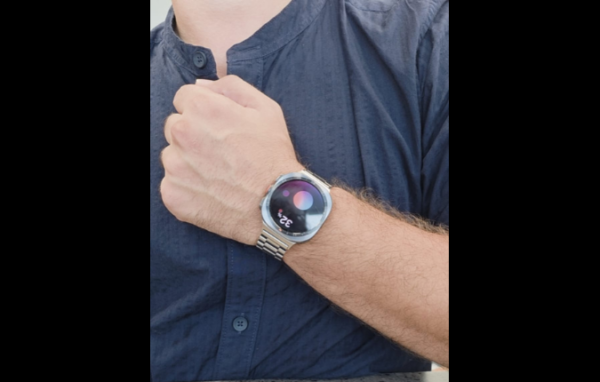 Next up is blood oxygen monitoring.
The process is surprisingly simple. Sit comfortably. In the Samsung Health App, go to the Blood Oxygen Levels option, then tap on Measure. As instructed by the device, place your elbow on a table, make a fist and position the watch close to your heart. The watch then uses its sensors to take the measurement.
It’s one of those features that feels straight out of the future, you’re sitting at home, wearing a watch, and getting health-related readings without reaching for a separate gadget!
Just remember that smartwatch measurements are intended for wellness and fitness purposes and shouldn’t be treated as a medical diagnosis.
Know Your Body Fat
 This is where things get particularly interesting.
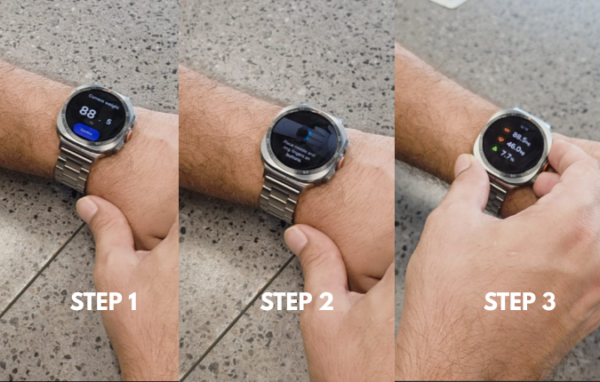
The Galaxy Watch Ultra 2’s body composition feature can provide measurements related to your body, including body fat, skeletal muscle, and body water.
To get started;
- Go to the Samsung Health App
- Tap on Body Composition
- Enter Current Weight
Place your middle and ring fingers on the watch’s designated buttons.
Keep your fingers positioned correctly, raise your arms as instructed, make sure that your hands don’t touch the watch, only the buttons- and let the watch do its thing.
And then voilà! You get your body composition results.
For fitness enthusiasts, this can be a fun way to track changes over time rather than obsessing over a single number on the weighing scale.
A Smartwatch That Wants You to Know Your Body
What makes these features interesting isn’t simply the technology involved; it’s how easily they fit into everyday life. A quick measurement here, a stress check there, and suddenly your wrist becomes a handy little health dashboard.
The bigger idea is consistency. Fitness isn’t just about smashing a workout every day; it’s also about understanding your body and building healthier habits over time.
So, would you actually use these Galaxy Watch Ultra 2 health features? Let us know what you think!