

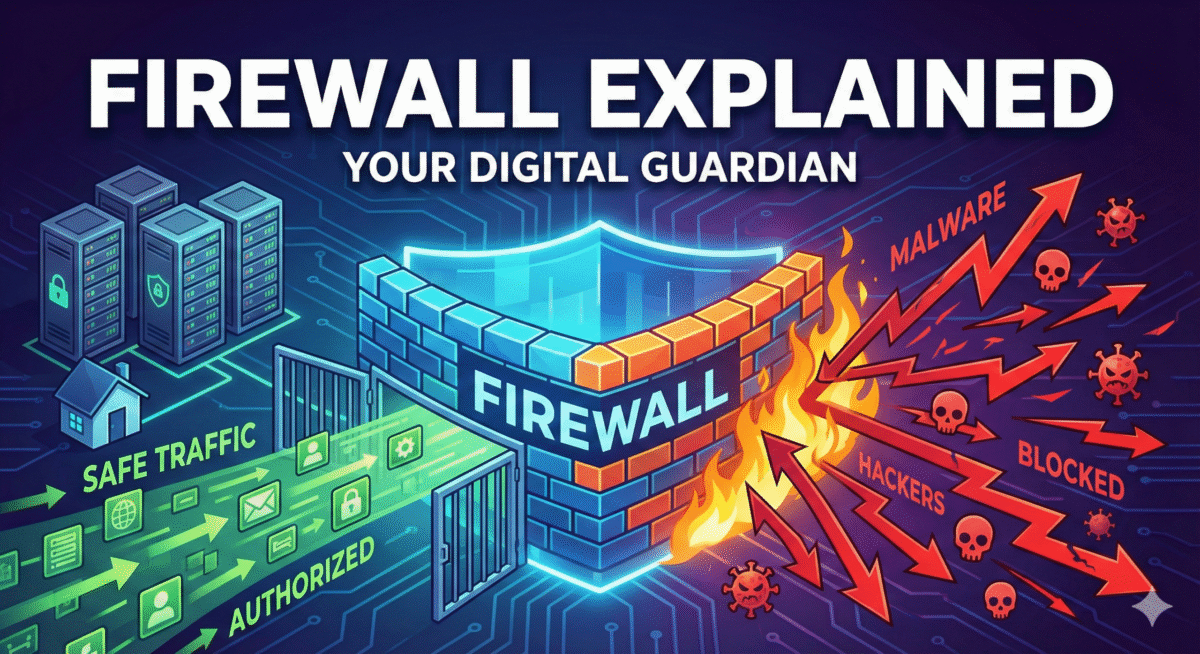
Imagine your computer or phone is like a house. The internet is the big world outside, full of friendly visitors, but also strangers, thieves, and troublemakers. A firewall is like a smart security guard (or a locked door with a peephole) that stands between your house and the outside world. Its job is to decide who gets in and who has to stay out.
Why Do We Need Firewalls?
Without any protection, anyone on the internet could try to sneak into your device. Hackers can send malicious programs (malware), steal your files, spy on your photos, or even take control of your webcam. A firewall monitors all traffic entering and leaving, blocking anything suspicious.
How Does a Firewall Work?
Every piece of information on the internet travels in small packets, like envelopes. Each envelope has addresses:
- “From” address (who sent it)
- “To” address (your device)
- Port number (like an apartment number that tells which app or service the packet is for)
The firewall has a list of rules, such as:
- Allow email from your mom
- Allow YouTube videos
- Block random strangers trying to connect to port 3389 (a port hackers love)
If a packet matches an allowed rule, then it’s let through.
If it doesn’t match or looks dangerous, then it’s blocked and dropped.
Types of Firewalls
- Software Firewall – A program on your computer or phone
Examples: Windows Defender Firewall, the built-in firewall on macOS, or apps like Little Snitch.
- Hardware Firewall – A separate box (often inside your Wi-Fi router)
Most home internet routers have one built-in. It protects every device on your network (phones, laptops, smart TVs).
- Cloud Firewall – Used by big companies (like AWS or Cloudflare) to protect websites and servers on the internet.
Real-Life Examples
– When you’re on public Wi-Fi at a cafe, your laptop’s firewall blocks random people from seeing your files.
– Your home router’s firewall stops hackers from directly attacking your smart fridge or baby monitor.
– Big websites use giant firewalls to block millions of attacks every day.
Quick Tips for You
- Never turn off your firewall.
- Keep your operating system updated.
- For extra safety at home, change your router’s default password and enable its firewall (usually on by default).
Verdict
A firewall is your device’s bouncer. It watches the door 24/7, letting only trusted guests in while keeping the bad guys out.