

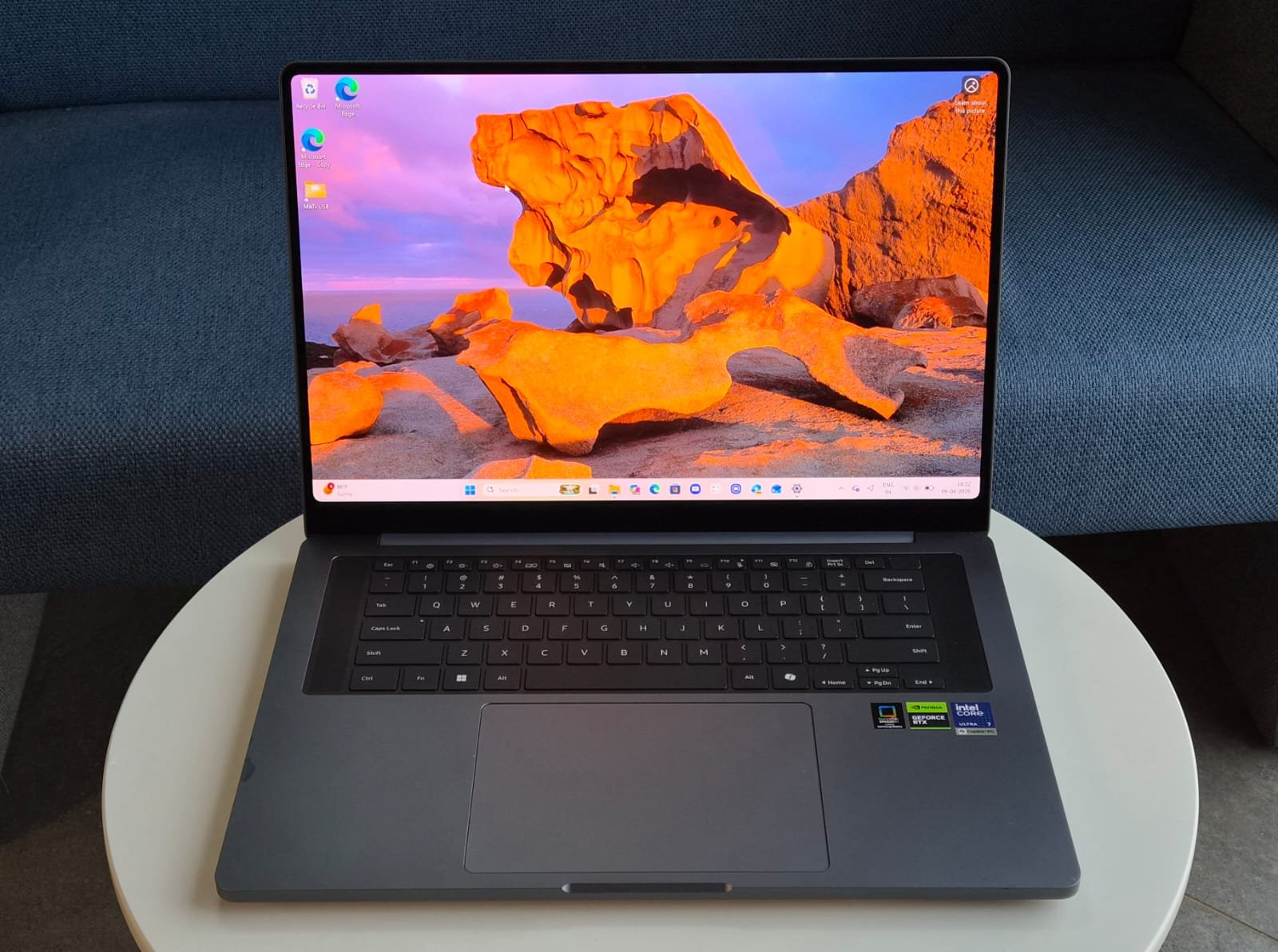
Samsung may not have a dominant share in the laptop market, but the Galaxy Book series does have an impact. Samsung has established a niche in the premium Windows laptop segment with its Galaxy Book lineup, which combines sleek design, vibrant displays, and ecosystem integration, reflecting its success in the smartphone market. While it may not compete with Apple or Lenovo in terms of volume, the Galaxy Book6 Ultra is a serious contender for creators, professionals, and power users seeking a thin, lightweight machine with powerful discrete graphics. It appeals to those who desire a combination of beauty, performance, and power without the bulk of traditional gaming rigs. But does it truly live up to the “Ultra” name? Let’s find out.
DESIGN & BUILD
The Galaxy Book6 Ultra features a premium aluminium unibody chassis that feels solid and luxurious right out of the box. Available in a sleek grey finish, it measures a slim 15.4mm thick and weighs about 1.9kg. The build quality is top-notch, with minimal flex and a refined, symmetric design that Samsung refreshed for the 2026 series. It represents professionalism without appearing as a gamer’s item, making it suitable for both a boardroom and a creative studio.
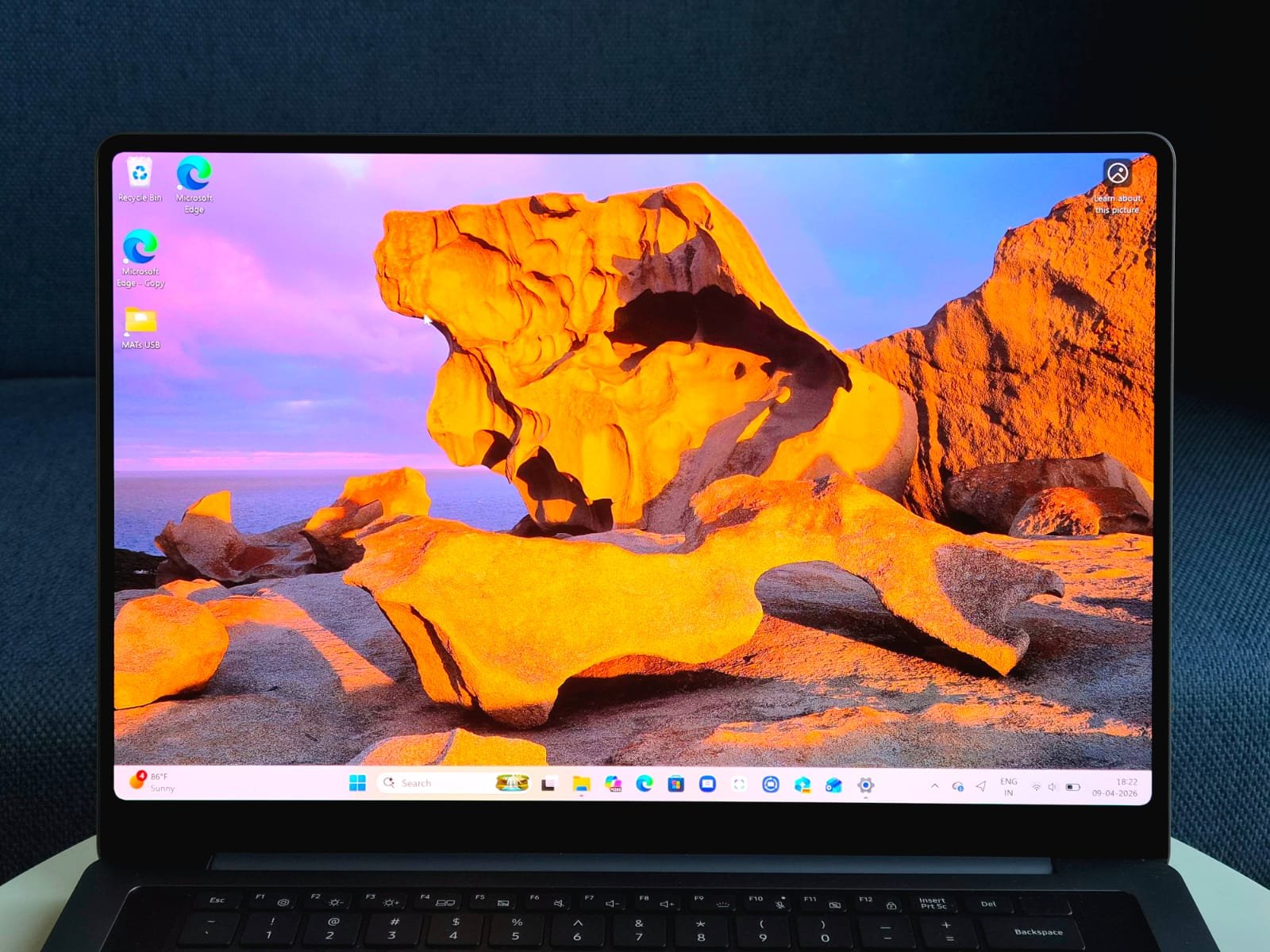
What truly sets it apart is the mind-blowing 16-inch Dynamic AMOLED 2X display. With a 2880 x 1800 (WQXGA+) resolution, 120Hz adaptive refresh rate (down to 30Hz for efficiency), and support for HDR, it produces visuals that outshine most LED-based competitors. Blacks are inky deep, colours are vivid and accurate (covering a wide colour gamut, ideal for content work), and peak brightness reaches up to 1,000 nits in HDR mode, with around 500 nits in SDR. It’s a touchscreen too, responsive and precise for quick annotations or navigating Windows. For content creators engaged in photo editing, video grading, or graphic design, this panel is a delight. The content on this display is vibrant, with details that make standard IPS and even high-end LCDs appear washed out by comparison.
Unfortunately, it doesn’t fold over 360 degrees or convert into a full tablet mode, limiting its versatility compared to some 2-in-1 rivals. That’s a deliberate choice to prioritize the powerful internals and cooling in a slim profile.
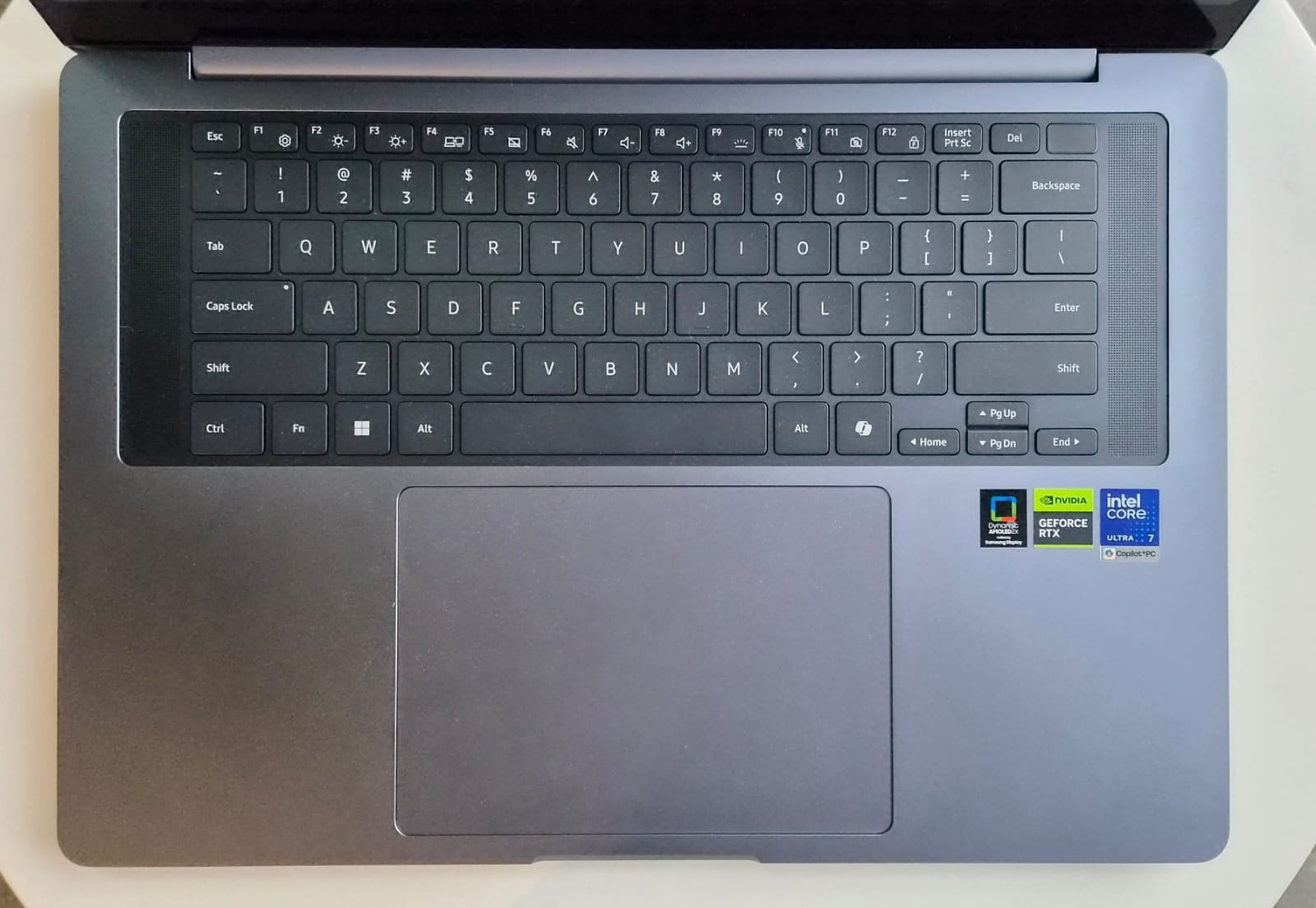
The keyboard is compact yet comfortable for extended typing sessions. Key travel and feedback feel satisfying, though it took me about a day to adjust after switching from a different layout, which is perfectly normal. Backlighting helps in low-light environments. The speakers produce crystal-clear audio with good separation and volume; six-speaker tuning (including upward-firing tweeters) means you rarely need external speakers for media consumption or casual calls. Bass is surprisingly present for a thin laptop.
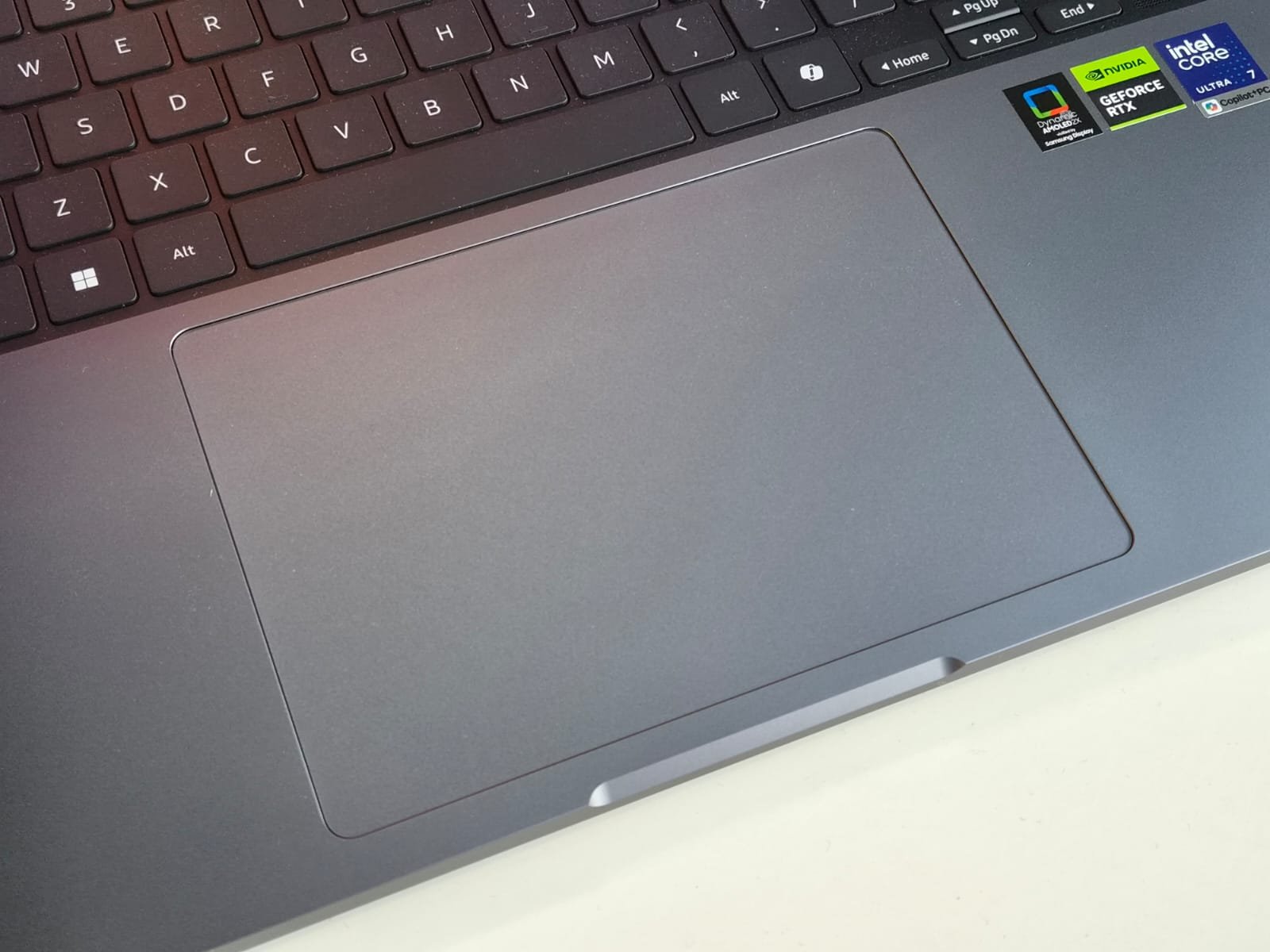
The trackpad is extra-large and haptic, offering smooth gliding and precise gestures. However, its generous size initially led to occasional palm or wrist mistouches during intense typing sessions. It takes a short adaptation period to position your hands comfortably, but once dialled in, it’s one of the better trackpads on Windows machines.


This laptop offers a sufficient number of ports considering its slim design. It includes two Thunderbolt 4 USB-C ports, one USB-A port, a full-size HDMI 2.1 port (which supports up to 8K at 60Hz), an SD card reader, and a 3.5mm headphone jack. These features adequately meet most everyday needs for connecting external displays, fast data transfer, peripherals, and media cards without the hassle of excessive dongles. Additionally, Wi-Fi 7 and Bluetooth 5.4 provide future-proof connectivity.
PERFORMANCE & SOFTWARE
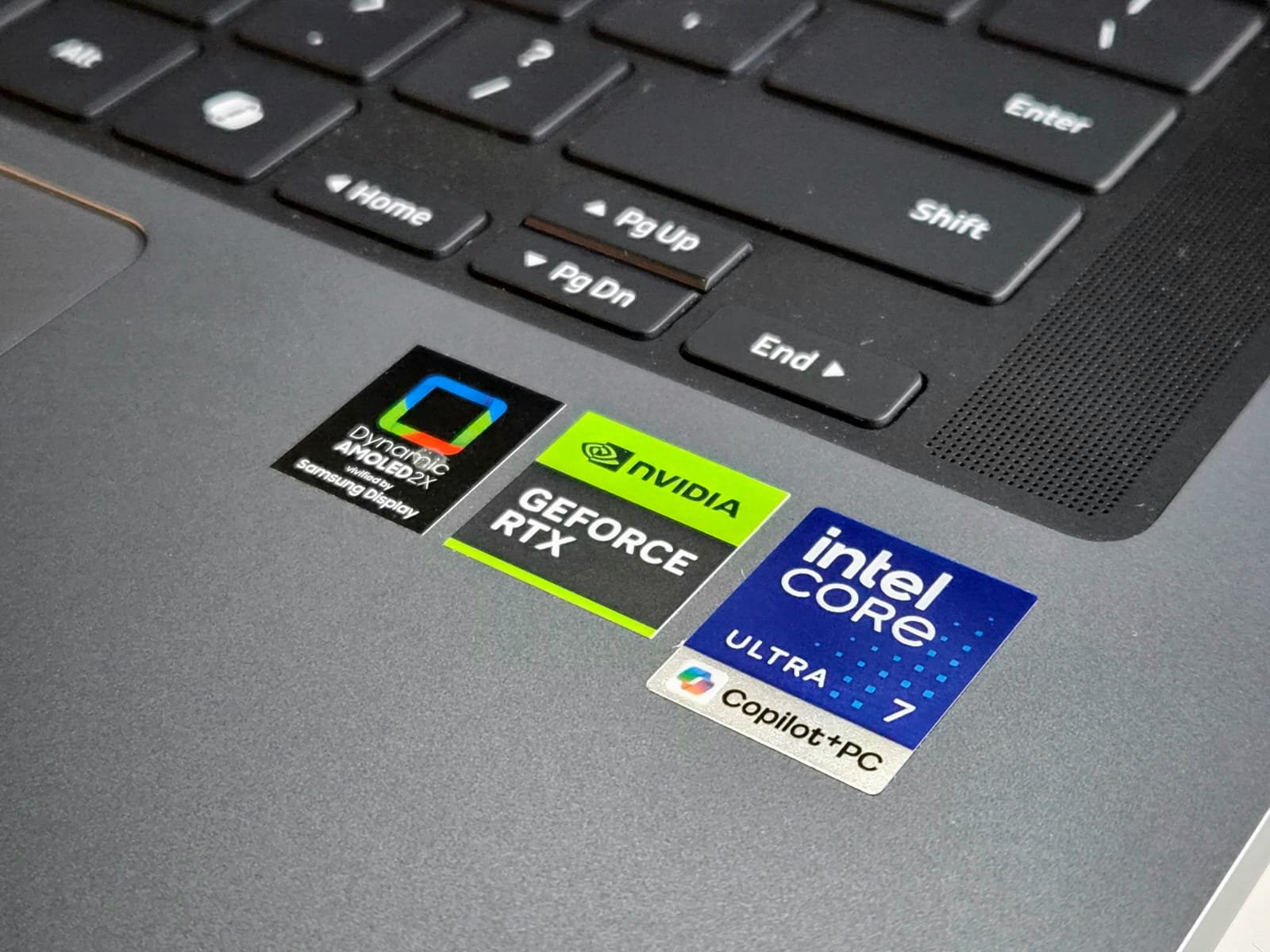
The review unit we tested came equipped with an Intel Core Ultra 7 356H processor (16 cores from Panther Lake architecture), 32GB of LPDDR5X RAM, and a 2TB Samsung NVMe SSD. Graphics are handled by the NVIDIA GeForce RTX 5070 Laptop GPU (8GB GDDR7, up to 90W TGP with Dynamic Boost). This combination delivers powerful performance in a compact chassis, assisted by an improved vapour chamber cooling system for better thermal management under load.
In real-world use, multitasking feels effortless, running multiple Chrome tabs, Photoshop, Premiere Pro timelines, and background apps simultaneously showed no noticeable slowdowns. The 16-core CPU handles heavy workloads, such as video encoding and 3D rendering, excellently, thanks to the NPU’s up to 50 TOPS for on-device AI acceleration. Storage is fast thanks to the Samsung PCIe SSD, with plenty of space so you won’t run out quickly.
Gaming is possible, thanks to the RTX 5070 GPU. Titles like Call of Duty: Warzone and GTA 5 ran smoothly at high-to-ultra settings with frame rates well above 60 FPS in 1440p. The RTX 5070 enables ray tracing and DLSS for enhanced visuals without major compromises. Fans do spin up noticeably during intense sessions, but thermals stay controlled with no throttling or lag observed. For best results, especially prolonged gaming or rendering, plug in the 140W USB-C adapter to maintain peak power. Upcoming titles like GTA 6 should perform well too, assuming optimization. Creative tasks such as AI image generation, video exports, and 4K editing will greatly benefit from GPU acceleration.
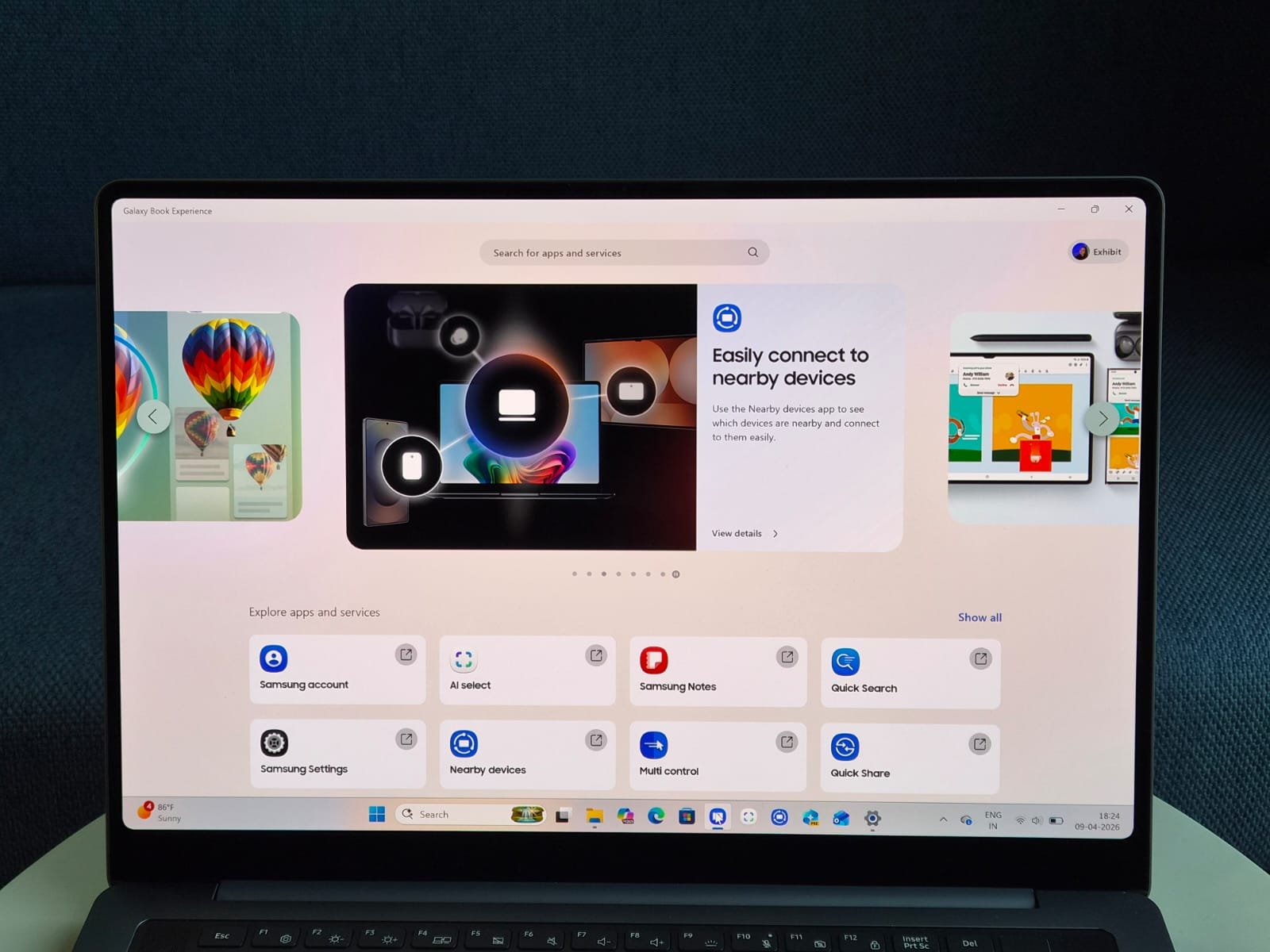
Samsung has nailed the software experience. It ships with Windows 11 Pro and integrates seamlessly with Samsung’s Galaxy ecosystem. Signing in with a Samsung account unlocks features like Galaxy AI tools, including AI Select (similar to Circle to Search for quick selections and actions on screen). If you own a Samsung phone, the integration shines: answer calls directly from the laptop, share files effortlessly, continue apps across devices, and use features like Quick Share or Second Screen. It’s the closest Windows equivalent to Apple’s ecosystem continuity, making daily workflows smoother for Samsung users.
Additionally, Samsung offers additional software that includes optimization tools, display calibration, and Galaxy AI enhancements designed to boost productivity, such as note summarization and live translation. The 1080p webcam performs well, particularly in low-light conditions. While there is some bloatware, it is minimal and serves a useful purpose within the ecosystem. The Copilot+ PC features utilize the NPU for local AI tasks, reducing the need for constant cloud connectivity.
BATTERY LIFE
Samsung claims up to 30 hours of video playback for the Galaxy Book6 Ultra, thanks to efficiency gains from the Panther Lake platform, a larger ~80-83Wh battery, and the power-efficient AMOLED panel (with adaptive refresh and improved display efficiency). Real-world results are impressive but depend on usage.
In mixed productivity (web browsing, document editing, light photo work at moderate brightness), we got 12-15+ hours of battery life. Video playback can stretch toward 18-20 hours in tests, falling just short of the max claim but still class-leading for a discrete GPU machine. Intensive tasks like gaming or rendering can reduce battery life to 2-4 hours. It’s advisable to use the charger during these activities. Fast charging via the 140W adapter gets you to ~65% in 30 minutes, which is convenient for on-the-go top-ups.
VERDICT
The Samsung Galaxy Book6 Ultra is a premium laptop that combines stunning design, an exceptional AMOLED display, and strong performance, making it ideal for content creators and professionals needing GPU power in a portable package. While it lacks a 360-degree hinge and has minor issues like fan noise and port clustering, its RTX 5070 offers impressive creative capabilities and light gaming without compromising on slimness or battery life. With Windows 11 Pro and enhanced Galaxy integration, it’s a top choice for those who prioritize visuals and efficiency in a luxury laptop. Highly recommended for those who can afford it.