


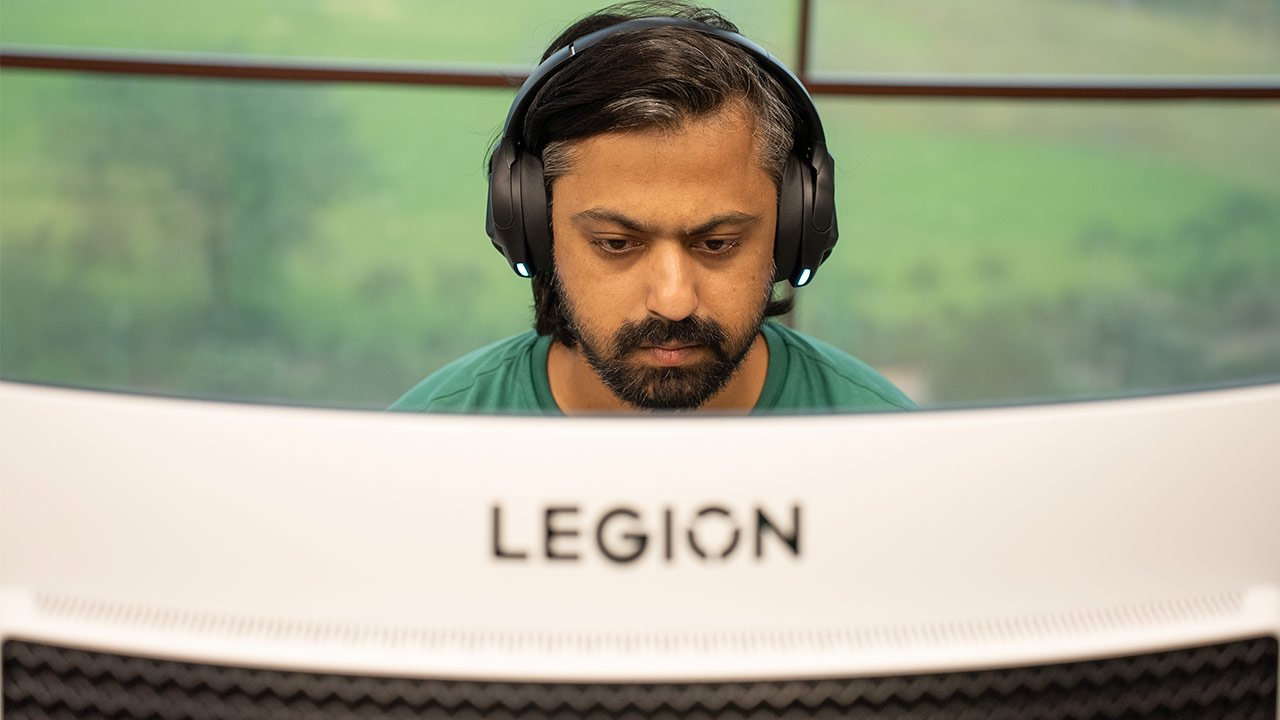
Verdict
OLED immersion meets gaming speed
The Lenovo Legion Pro 34WD-10 OLED is, without question, one of the best gaming monitors I’ve ever used. It delivers jaw-dropping visuals, ultra-fast responsiveness, and an immersion factor that smaller or flat panels simply can’t match. Every gaming session felt elevated, every workday felt more efficient. But then comes the price: Rs 95,990. And that’s where hesitation creeps in. This makes it a hard sell for someone who isn’t a hardcore gamer with a lot of cash to spend. If you’re one, you should definitely go for it. For me, giving it back after testing will sting. It’s the kind of monitor that spoils you, making every other screen feel second-class. If you can stomach the price premium, the 34WD-10 will not disappoint.
The Good
- Stunning OLED visuals
- Wide 21:9 ultra-immersive aspect ratio
- Excellent color accuracy
- Productivity-friendly screen real estate
The Bad
- Expensive compared to rivals
-
Design
-
Display
-
Gaming
-
Productivity
For years, I’ve relied on conventional monitors to serve my gaming needs. And for good reason; they’re reliable and decently satisfying. And hence, when I got a chance to try out my first ever curved monitor, and that too, nothing less than a Rs 95,990 beast from Lenovo, I was filled with excitement.
So the question I asked myself before gauging its features was headlined by just one: What would make me excited to sit down in front of it every day, whether it was for gaming marathons, editing content, or juggling tabs for work?
The short answer to that question is the Legion Pro 34WD-10 OLED is a 34-inch curved ultra-wide display that Lenovo unapologetically markets as a premium gaming monitor.
From the moment it landed on my desk, and believe me, at nearly 8.6 kgs, it landed with quite a thud, I knew this wasn’t going to be “just another monitor.”
Over the last few weeks of use, this screen has transformed the way I look at both games and work. Let me tell you more about it.
Design
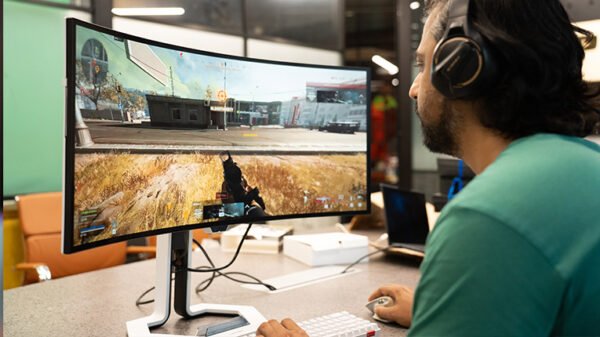
Unboxing the Legion Pro 34WD-10 was a reminder that this isn’t designed for the faint of heart. The packaging is huge, the stand is heavy-duty, and when you finally piece it together, it commands presence on your desk. It’s not a flashy RGB-laden monitor. Instead, it feels utilitarian and confident in its design. The matte black chassis, slim bezels, and 800R curve give it a subtle elegance, while still screaming “serious gear.”
The stand is sturdy, offering tilt and height adjustments, though I missed swivel functionality. Cable management is simple and satisfactory.
The thing worth pointing out is that the sheer width of this machine takes a few days to get used to. Especially when you’re not used to creating dual window workflows. Your neck will need to do quite a bit of swivelling before you realise you can snap multiple windows to get a better workflow out of your daily tasks.
But once I got used to it, I couldn’t imagine going back to a flat screen or even a laptop display for that matter. The Lenovo Legion Pro 34WD-10 OLED feels cinematic, immersive, and, even addictive, for that matter.
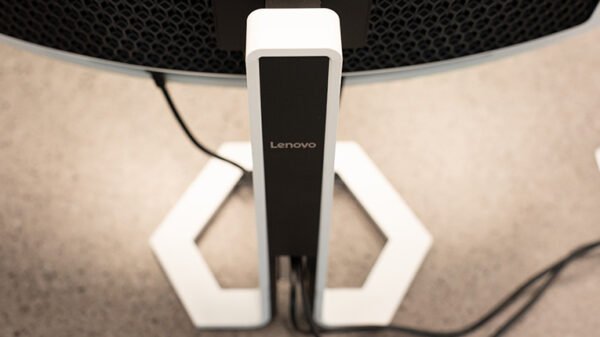
Unlike many gaming monitors that go overboard with RGB, the Legion Pro 34WD-10 keeps things understated. A subtle RGB strip runs along the rear, adding just enough ambient glow without turning your desk into a disco. It feels purposeful — more accent than distraction — and blends well with different setups.
A neat touch is the integrated phone stand built into the monitor’s base. It’s one of those small conveniences you don’t think you need until you use it. Propping up my phone there during gaming sessions meant I could glance at notifications without breaking focus, and it saved space on an already crowded desk.
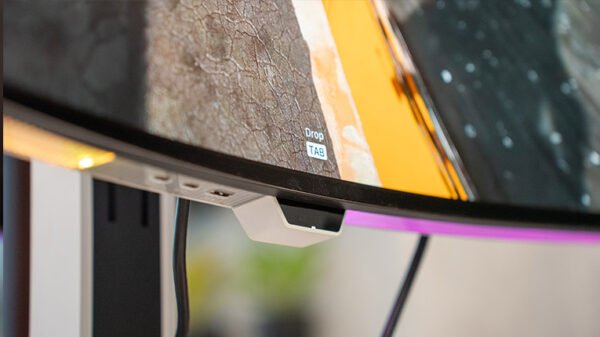
Connectivity is robust. The Legion Pro 34WD-10 offers two HDMI 2.1 ports, a DisplayPort 2.1, multiple USB-A ports, and a USB-C. This made it easy to switch between my gaming rig, laptop, and even a console. All ports are placed at the back, angled downwards, which keeps cables hidden but can make plugging in new devices slightly fiddly.
Display
The first time I powered it on, I played a 21:9 version of the Interstellar trailer, just to see how the OLED screen handles the deep blacks. By the end of it, I was slack-jawed. The QHD (3440×1440) OLED panel delivers colours with a richness I’d never experienced outside of high-end TVs. Black levels are just perfect; when a scene goes dark, it really goes dark.
Brightness tops out around 400 nits. For dim or controlled lighting, it’s more than adequate. But on a bright afternoon, with sunlight sneaking past my curtains, I sometimes wished for a few extra nits, especially since the wideness of this monitor gives it more scope for causing glares. This isn’t a dealbreaker, but it’s something to consider if your setup faces a lot of daylight.
And now, let’s get to the heart of it.
Gaming
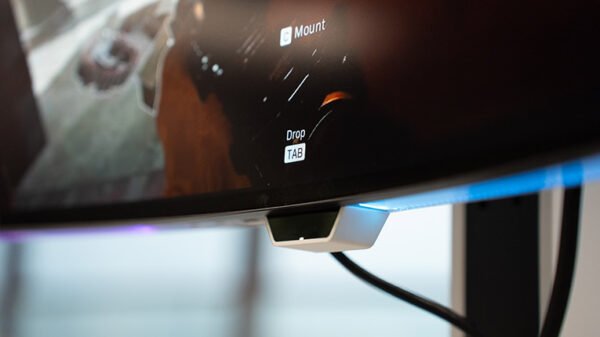
How does it game? In one word: gloriously.
I’m a big fan of WRPGs, and booting up The Witcher 3 was first on my list for this review. The 21:9 ultra-wide aspect ratio gave me a panoramic view of sprawling landscapes of the Continent. Getting rid of Drowners, Nekkers, and Wraiths was more cinematic than ever before (this was my third playthrough, although I didn’t finish the game this time around, much as I would have liked to).
The warm colours of beautiful landscapes looked phenomenal. In fact, I found myself zooming in just to admire details I’d ignored on smaller monitors.
Then came GTA 5. This is where I saw the OLED flexing its muscles. Exploring the colourful charm of Vinewood and getting nostalgic by visiting “that neighbourhood” in San Andreas were things that I ticked off immediately after booting up the game. What I loved about the monitor while playing GTA 5 was the spectacular contrast it created while displaying the visuals, especially during sunsets. It was immersive to the point of being unsettling.
Fast-paced titles sealed the deal. Counter-Strike 2 was a must when I was at my desk during dull hours. My colleagues Aadithya and Divesh were using their standard gaming laptops, and here I was, with a 240Hz refresh rate, alongside a 0.03ms GTG response time. Every flick, every movement registered instantly, with no ghosting or blur. But having played the game after almost 5 years, both of them got the better of me more times than I’d like to admit.
That said, for competitive players, this is no luxury. It’s a weapon.
Productivity
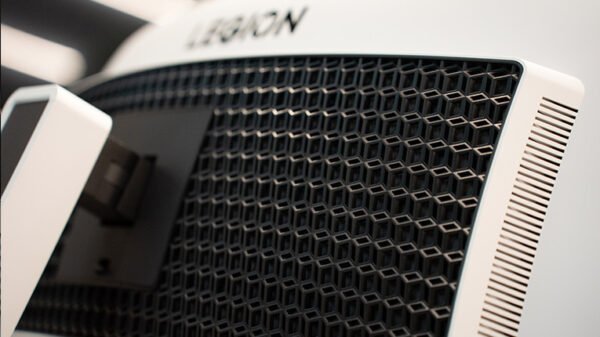
Beyond gaming, I wanted to see if the Legion Pro could justify itself as a daily driver. And here’s where ultra-wide truly shines.
I often work with multiple tabs. Google Docs, Google Drive, WhatsApp Web, ChatGPT, YouTube and WordPress are a few of them. On my old regular laptop screen, I was constantly juggling windows. On the 34WD-10, I can have them all open side by side without feeling cramped. Writing an article while keeping research on-screen has never been easier.
Video editing also benefits. Scrubbing through timelines in Premiere Pro is smoother when you can stretch them across 34 inches. The colour accuracy in the DCI-P3 space means YouTube edits look exactly as intended.
One anecdote that stuck with me: I had three browser windows, Photoshop, and Spotify open, and only realised after an hour that I hadn’t Alt-Tabbed once. That’s how liberating the screen real estate feels.