


For anyone who has followed Apple for more than a decade, that sentence may feel almost unreal. In October 2010, standing on stage during the “Back to the Mac” keynote, Steve Jobs laid down a design philosophy that seemed carved in stone. To demonstrate the ergonomic reality of laptops, Jobs famously declared that touch surfaces simply don’t function well. “It’s ergonomically terrible,” Jobs insisted, explaining that prolonged arm extension inevitably results in what engineers call “gorilla arm” syndrome. His stance was uncompromising: if you want touch, you use a horizontal surface like an iPad or a Multi-Touch trackpad. For sixteen years, Cupertino steadfastly resisted the convertible trend that swept through Windows laptops, opting instead for compromised solutions like the short-lived Touch Bar.
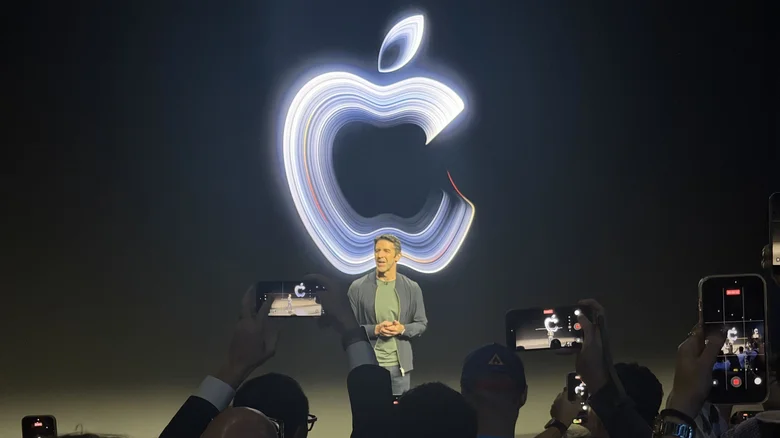
At Apple’s “Pro and Tell” showcase in Los Angeles, that sixteen-year taboo was formally dismantled. With the introduction of the touch-enabled MacBook Pro and an expanded OLED display ecosystem, Apple has moved away from strict purism to embrace the hybrid computing realities that modern professionals demand.
The New MacBook Pro
The centerpiece of the showcase was the redesigned 14-inch and 16-inch MacBook Pro. Instead of making macOS resemble an iPad, Apple has integrated touch as a precision tool for professional workflows. It is not designed to replace your trackpad or mechanical keyboard; it is designed to complement them.
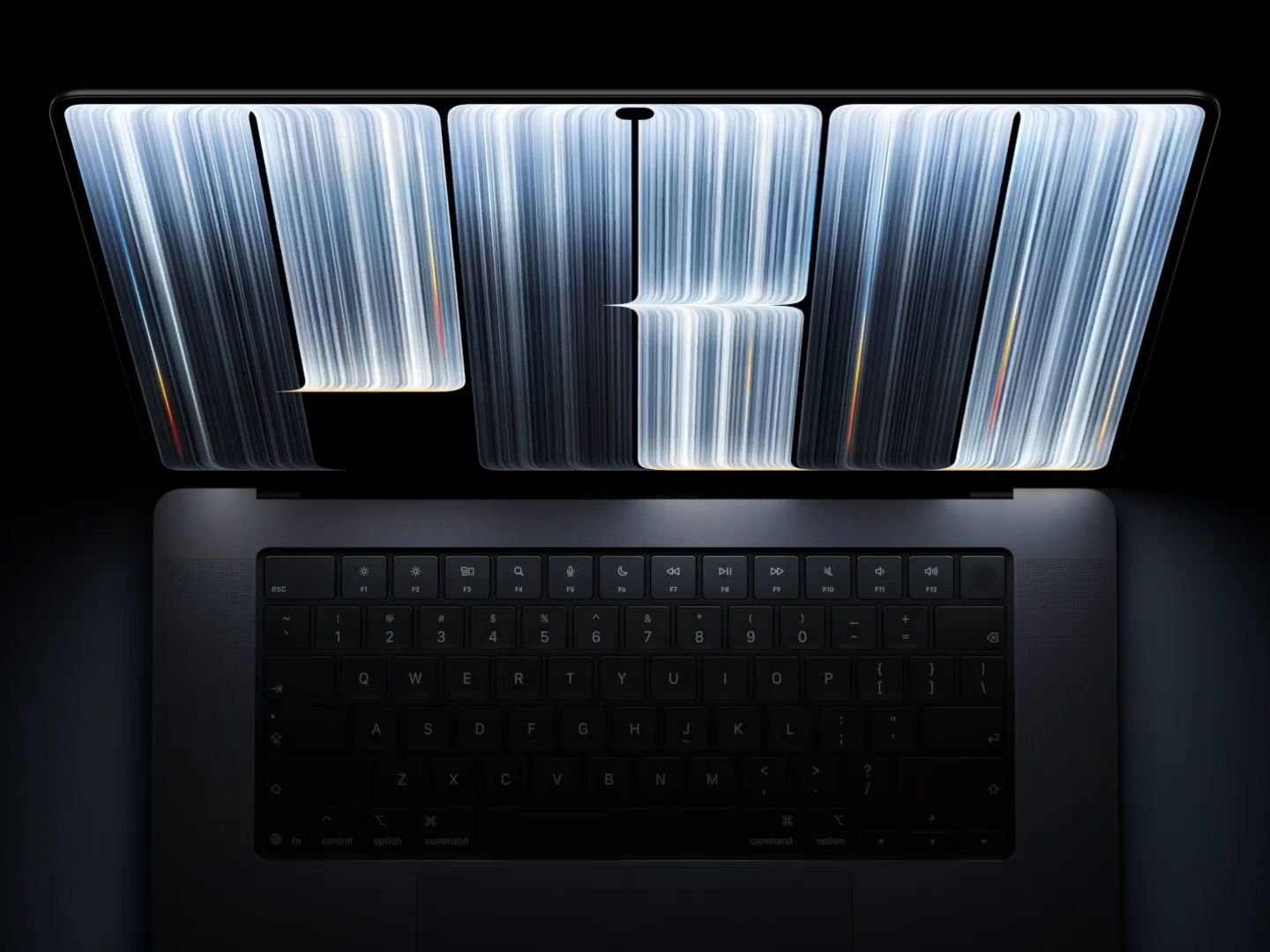
To pull this off without the wobble that plagues traditional touchscreen laptops, Apple engineered a dual-stage friction hinge. Tap, drag, or pinch against the upright screen, and the panel remains firmly planted without rocking back and forth. Apple also integrated real-time digital video stabilization into the upgraded 12MP Centre Stage camera, so tapping the screen during video calls doesn’t send distracting jitters to the other end.
Visually, the machine marks the biggest structural leap since 2021. The display bezels have shrunk considerably, expanding viewable areas slightly to 14.2 inches and 16.3 inches while shaving off weight. The 14-inch chassis drops half a pound to 1.5kg, while the 16-inch weighs 2kg. In an unexpected, nostalgic nod to Apple’s golden era, the lid resurrects the iconic glowing Apple logo, now illuminated with high-efficiency micro-LEDs directly from the chassis.
On the display front, Apple officially retired the mini-LED Liquid Retina XDR in favour of PROLED XDR, a custom tandem OLED panel that eliminates blooming entirely. It delivers an eye-searing 2,000 nits of peak brightness for HDR content, a 10,000,000:1 contrast ratio, and ProMotion that scales dynamically from 10Hz to 120Hz. The unappealing camera notch has been replaced with the Dynamic Island, which now serves as a touchable Mac hub for Spotlight queries, live background exports, and contextual Siri interactions.
Under the hood, these machines run on the M5 Pro and M5 Max architectures, using redirected thermal routing through the hinge exhaust to sustain high compute loads in Final Cut Pro, DaVinci Resolve, and local LLM workflows without thermal throttling. macOS adapts dynamically to fingertip navigation: buttons, sliders, and audio faders gracefully expand their hit targets as a finger approaches, while maintaining tight desktop density when the cursor is used.
iPad Goes Universal OLED
The MacBook Pro was not the only hardware benefiting from Apple’s display overhaul. The “Pro and Tell” event solidified Apple’s complete transition to OLED across its pro and portable tablet lines.
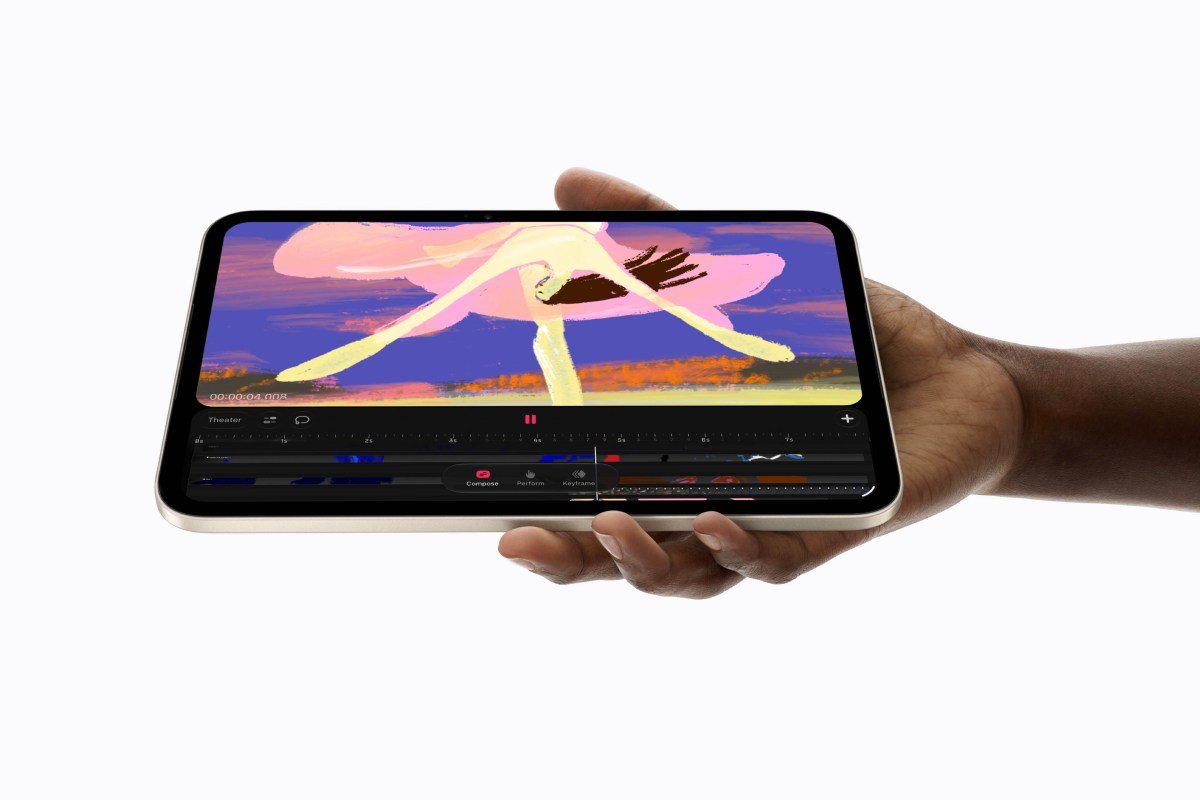
After the M4 iPad Pro set a new benchmark, Apple introduced the redesigned OLED iPad mini. With an 8.5-inch Super Retina OLED panel and A20 Pro silicon, the smaller tablet finally gets true tandem-OLED contrast, deep inky blacks, and an optional etched nano-texture glass coating. At just 5.4mm thin, it repositions the 12MP front camera to the landscape edge. It natively supports Apple Pencil Pro haptics, transforming the ultra-portable canvas into a capable field monitor and sketchpad for digital artists.
Also Read: Apple Unveils HomeView And More Expanding Its Smart Home Ecosystem
With OLED now spanning the ultra-compact iPad mini, the iPad Pro, and the flagship MacBook Pro, Apple has standardized colour fidelity across its entire creative pipeline. Colourists, animators, and photographers can grade reference footage on an iPad on location and transition directly to a MacBook Pro timeline without running into gamma shifts or backlight discrepancies.
The New Era of Practical Computing
Steve Jobs wasn’t wrong in 2010; the technology, weight distribution, and UI frameworks of the era were ill-equipped for vertical touch. Poking at a bouncy plastic screen with an interface designed for 1-pixel mouse clicks was a terrible user experience.
The “Pro and Tell” event proves that design philosophies must evolve once technical limits are solved. By pairing zero-latency in-cell touch sensors, rigid mechanical hinges, intelligent adaptive macOS touch targets, and lightweight OLED displays, Apple didn’t surrender to the PC market; it redefined touch on its own uncompromising terms. The Mac remains a keyboard-and-trackpad powerhouse first, but scrubbing a timeline or tapping an approval button is no longer a cardinal sin. The barrier between Mac and iPad has not dissolved into a muddy compromise; instead, both platforms have grown mature enough to share the same modern visual and physical language.