


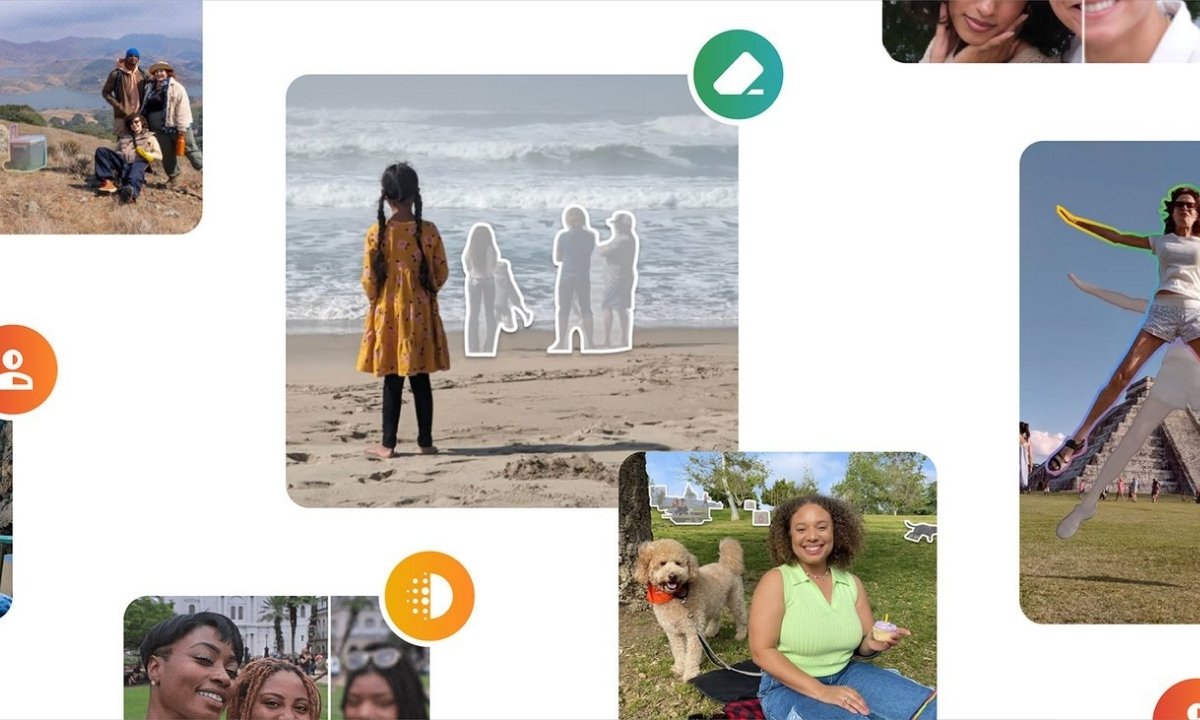
Google has started rolling out a Gemini-powered photo editing feature in Google Photos for users in India, making it easier to edit images using simple text or voice commands. The feature, called “Help me edit,” allows users to describe the changes they want instead of manually adjusting editing tools.
Initially launched with the Pixel 10 series and later expanded to Android users in the US, the feature is now available more widely across supported Android devices in India.
Google Photos “Help me edit” Feature: What’s New in India
The Help me edit feature supports multiple Indian languages, making AI photo editing more accessible to local users. Supported languages include:
- English
- Hindi
- Tamil
- Marathi
- Telugu
- Bengali
- Gujarati
Google says the feature works on any Android smartphone running Android 8.0 or later, provided the device has at least 4GB of RAM.
Face-Based AI Editing Comes to Google Photos
In addition to standard image adjustments, Google Photos in India now supports face-based edits powered by Gemini AI. Users can request changes such as:
- Removing accessories like sunglasses
- Opening closed eyes
- Adjusting facial expressions, including smiles
These edits are generated using images from a user’s face groups stored in Google Photos, helping maintain realistic and consistent results.
Gemini-Powered Nano Banana Tool Explained
Google Photos’ editor is also gaining access to the Gemini-powered Nano Banana tool, designed for precise and targeted image edits. The tool focuses on maintaining subject and facial consistency, even when making complex modifications to photos.
This ensures AI-generated changes look natural and blend seamlessly with the original image.
Google Photos Adds C2PA Content Credentials
To improve transparency, Google is adding C2PA Content Credentials support in Google Photos. Edited images will include a digital label indicating that the photo has been modified.
This label also provides information about the image’s edit history, helping viewers identify AI-assisted or altered content.
How “Help me edit” Works in Google Photos
Using the feature is simple:
- Open a photo in Google Photos
- Tap the Edit option
- Select “Help me edit”
- Type or speak the changes you want
Users can request anything from basic enhancements like improving lighting or removing background objects to advanced edits such as applying a new visual style.
The tool also supports follow-up prompts, allowing users to refine edits step by step. For example, after removing an object, users can ask the AI to adjust colours or enhance the main subject.
Why This Matters
With Gemini AI integration, Google Photos is moving towards prompt-based photo editing, reducing the need for manual controls and making advanced edits accessible to everyday users.