


Verdict
The Lenovo LOQ 27Q-10 gets the fundamentals right. At ₹14,499, you are getting a 27-inch QHD Fast IPS panel, 180Hz refresh rate and good colour coverage in a package that works equally well for gaming and everyday productivity. It isn't perfect. The stand's limited adjustability is frustrating, the rear buttons feel cheaper than the rest of the monitor, and HDR isn't going to deliver the cinematic impact of a much more expensive display. But those are reasonable compromises at this price. For someone building a gaming setup without wanting to spend a fortune on the monitor, the LOQ 27Q-10 makes a particularly strong case for skipping 1080p altogether. QHD at 180Hz for ₹14,499 is a very compelling combination, and it makes this Lenovo one of the more sensible ways to get into high-refresh-rate gaming without breaking the bank.
The Good
- Sharp QHD panel
- Smooth 180Hz refresh rate
- Clean, minimal design
The Bad
- Limited stand adjustment
- Average HDR performance
- No USB-C connectivity
-
Design
-
Functionality
I’ve been using the Lenovo LOQ 27Q-10 for a week as my daily workstation monitor, and that has probably given me a better sense of its appeal than a week spent purely gaming would have. I have to be honest, I didn’t manage to game as much as I would have liked (work has its way of keeping you away from fun), although I did squeeze in a few sessions of The Witcher 3 on the PS5. For the rest of the week, this was my screen for writing, browsing, spreadsheets, research and everything else that makes up a working day. At ₹14,499, it is positioned as an affordable gaming monitor, but its 27-inch QHD panel makes it quite interesting as an everyday display too.
Design
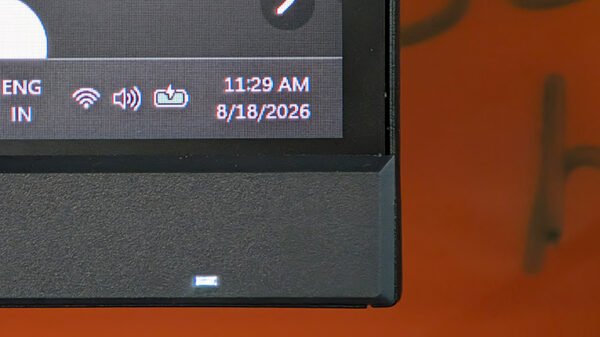
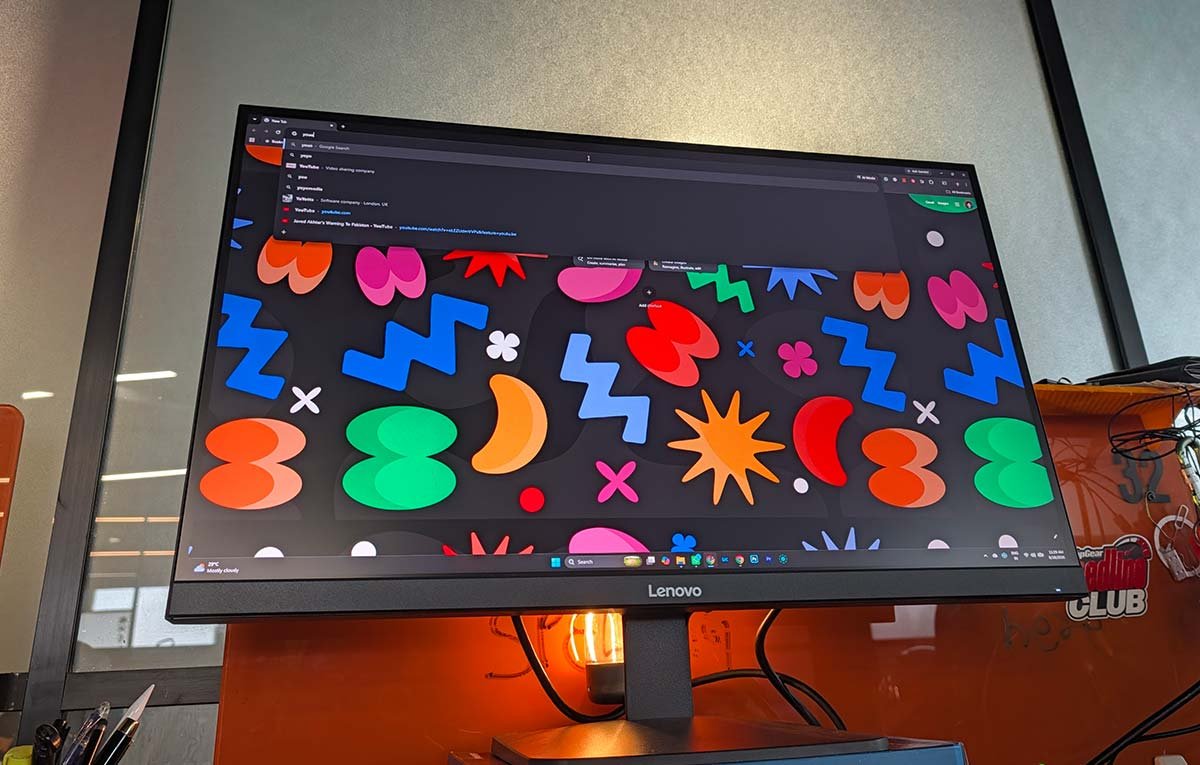
The LOQ 27Q-10 makes a good first impression. When the screen is switched off, it almost looks completely bezel-less, giving it a clean, seamless appearance. Switch it on, however, and you’ll notice that there is roughly half a centimetre of bezel around three sides. That’s hardly a deal-breaker, and for a 27-inch monitor at this price, the overall effect remains neat and modern.
Assembly is straightforward and takes very little time. The compromise comes with ergonomics. The stand only offers tilt adjustment, with no height adjustment, swivel or pivot functionality. That’s something to keep in mind if you are particular about getting your monitor perfectly aligned with your desk setup. I would have liked at least height adjustment here, as being a tall person, this height did not suit me at all, and I had to brace it with an old headphone box.
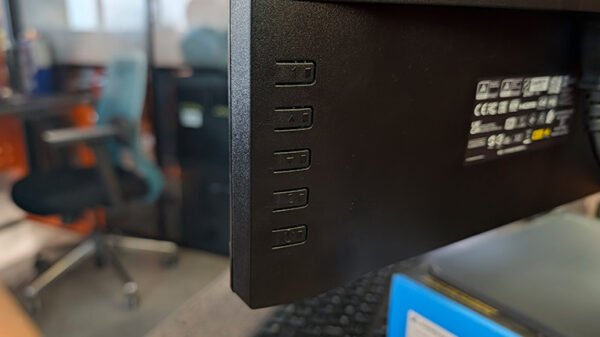
The physical controls are located at the rear. They are intuitive enough to operate, and you quickly get the hang of navigating the monitor’s menus, although the buttons themselves feel a little clunky and could certainly have been made to feel more premium.
Connectivity is straightforward: you get two HDMI ports and a DisplayPort 1.4. There’s no unnecessary clutter, although USB-C and a USB hub would have made this more versatile as a modern workstation display.
Functionality
The real reason to buy the LOQ 27Q-10 is the panel. Its 27-inch Fast IPS display runs at 2560 x 1440 resolution, giving you roughly 109 pixels per inch. That is an excellent middle ground for a monitor of this size and price. Text is crisp enough for long working sessions, while games and movies benefit from considerably more detail and screen real estate than a conventional 1080p display.
The 180Hz refresh rate is the other major attraction. It makes movement feel noticeably smoother, particularly in fast-paced games, and gives PC gamers plenty of headroom if their hardware can push high frame rates. Adaptive sync support helps keep things smooth when frame rates fluctuate.
Colour reproduction is also quite good for the segment, with 99 percent sRGB coverage. Colours have enough punch to make games and movies enjoyable without looking excessively saturated, while everyday work remains comfortable. HDR10 support is present, although this isn’t where the monitor is trying to compete with expensive OLED or Mini-LED displays. With 300 nits of typical brightness and no local dimming, HDR is more of a useful extra than a transformative feature.
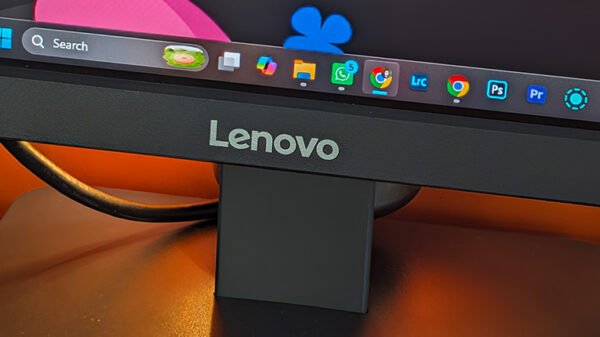
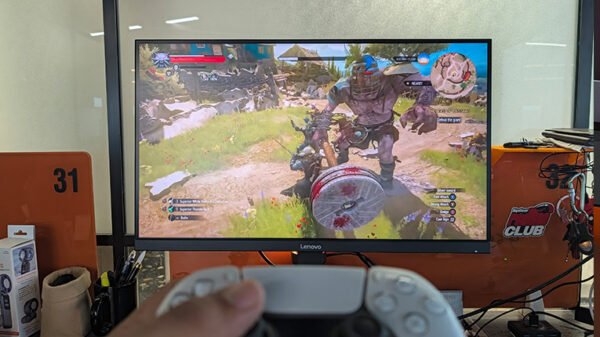
The QHD resolution also works well with the PS5. You obviously won’t be using the full 180Hz capability on the console, but the monitor remains a capable companion for supported 120Hz gaming. The Witcher 3, in particular, looked sharp and detailed, with the IPS panel doing a good job of bringing out the visual richness of its environments.
1 Comment
Pingback: Lenovo Launches Legion Gen 11 Gaming Laptops in India