


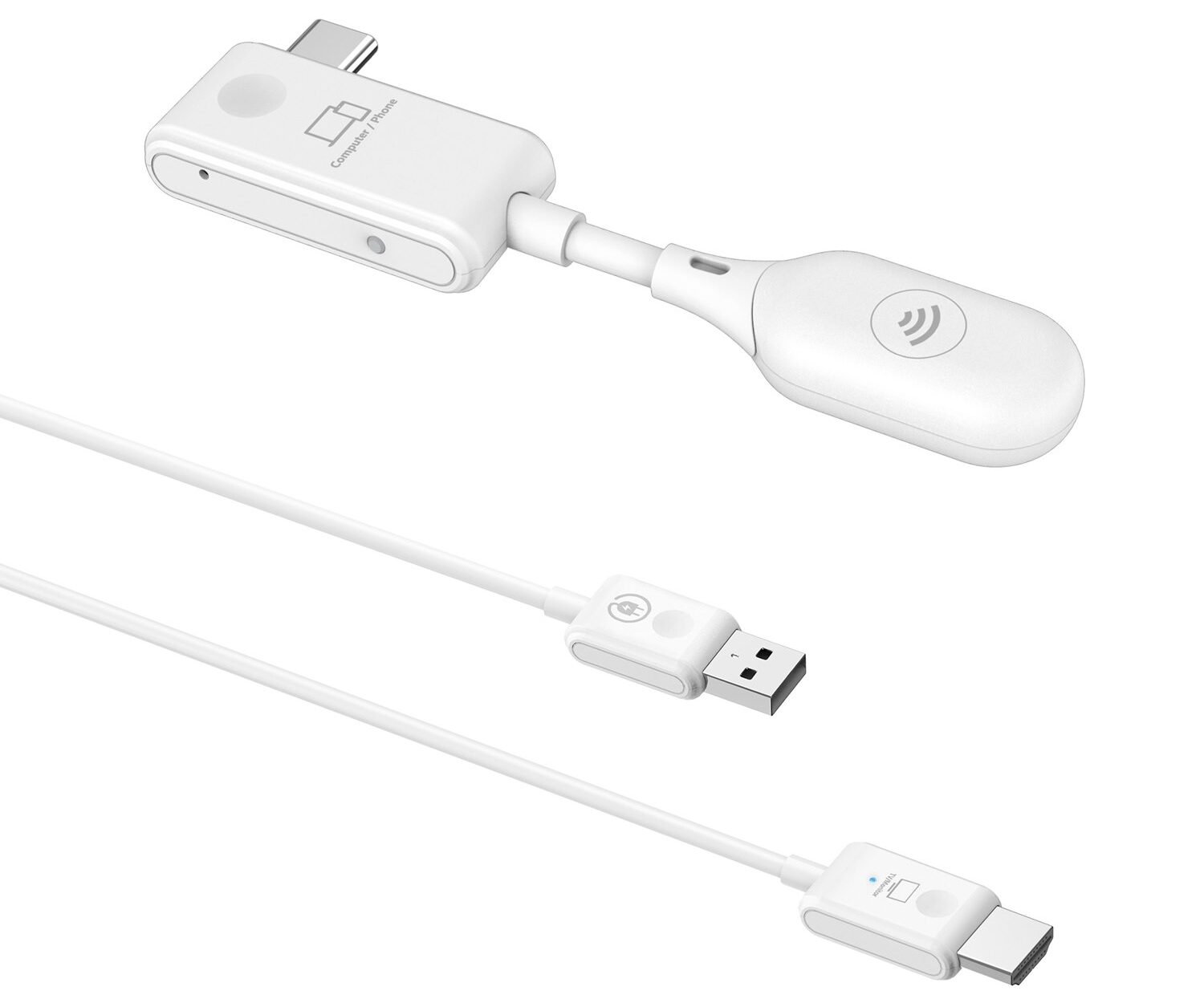
In a world where devices and displays are often separated by awkward distances across rooms, behind furniture, or in professional setups with cable management nightmares. Optoma’s WHD221 and WHD211 wireless transmitter-receiver kits emerge as practical, no-fuss solutions.
Whether you’re a gamer wanting to connect a console to a living room TV without running HDMI cables under carpets, a professional setting up a meeting room, or a homeowner tired of visible wire clutter, these kits promise to replace long cable runs with a clean wireless link. The WHD211 uses HDMI on the transmitter side, while the WHD221 leverages USB-C, making them versatile for different source devices. But are they the best in their category? Let’s find out.
FEATURES & PERFORMANCES
Optoma designed both the WHD211 and WHD221 as standalone, software-free wireless HDMI solutions. They operate on a dedicated peer-to-peer 5GHz IEEE 802.11n connection, avoiding dependence on existing Wi-Fi networks, a major advantage in corporate, educational, or guest-heavy environments where security or congested networks could cause issues. The setup process is straightforward. You connect the transmitter to your source (HDMI for WHD211, USB-C for WHD221), link the receiver to your display using HDMI, power both devices via USB-A, and you’re all set. No apps, drivers, or logins required.
Key shared specifications include:
- Resolution support: Up to 1080p (Full HD).
- Wireless range: Up to 20 meters (claimed), with strong real-world performance at 6–10 meters in typical rooms, including through some walls or around obstacles.
- Latency: 50–60ms input lag, which Optoma positions as low for wireless video.
The WHD211 is ideal for traditional HDMI sources like laptops, desktops, gaming consoles (e.g., PS5), set-top boxes, cameras, or Blu-ray players. Its transmitter has an HDMI input and a USB-A for power; the receiver outputs HDMI and requires power. This makes it a direct cable replacement for fixed or semi-fixed installations.
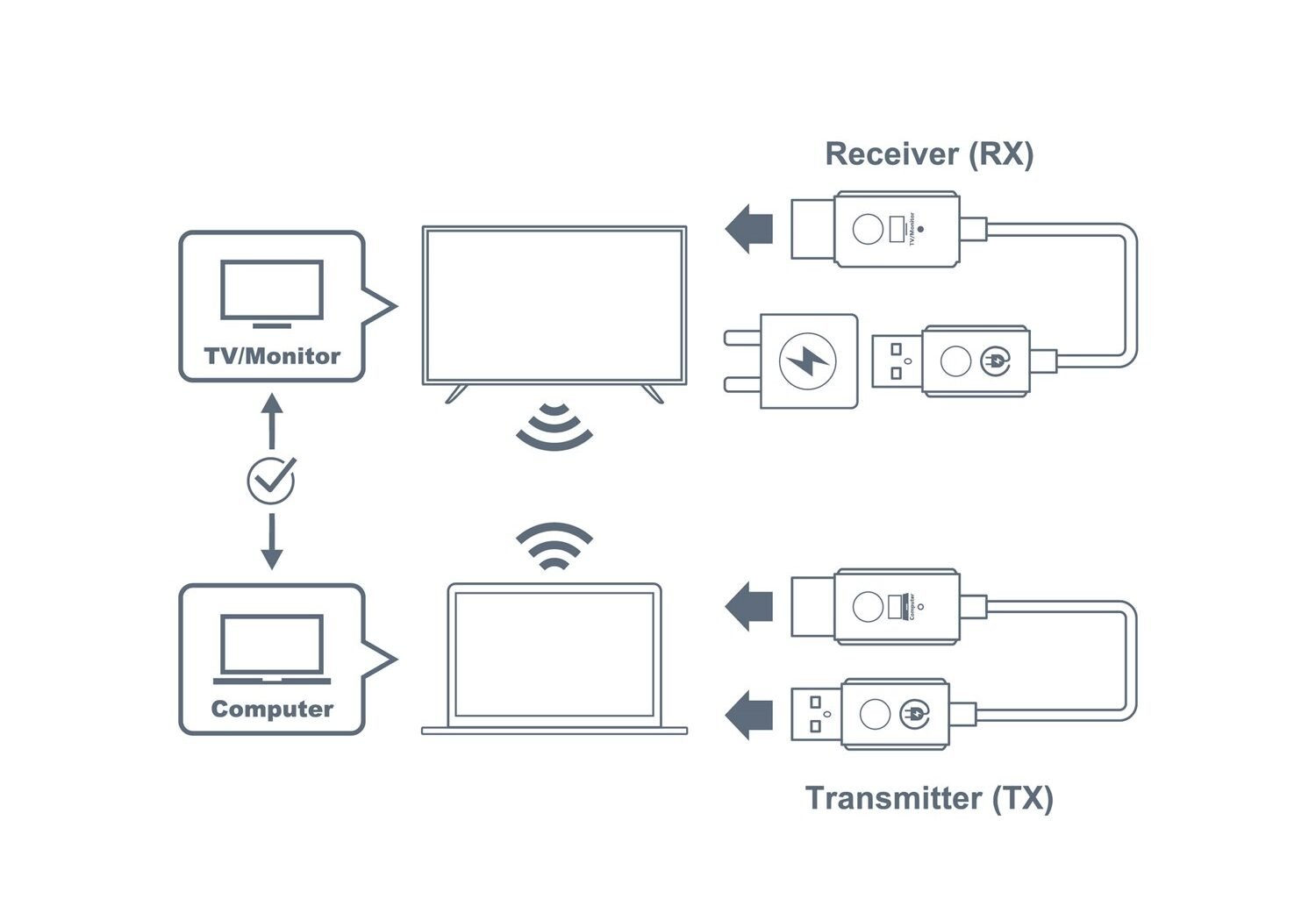
The WHD221 shines with modern devices. Its transmitter plugs directly into USB-C ports on laptops, tablets, or smartphones (with broad compatibility across Windows, macOS, Linux, iOS, and Android). This supports instant screen mirroring or extension without adapters in many cases. The receiver remains HDMI-out with USB power. Both kits are compact, lightweight dongles that are easy to toss in a bag for portable use.
Performance in real-world scenarios is where these kits impress in their intended use. In meeting rooms or classrooms, switching between presenters (one via HDMI, the other via USB-C) feels seamless, with the receiver acting like a standard HDMI source and handling reliably. Video playback, presentations, and training content show good sync; lip-sync issues are minimal, and motion in clips or sports holds up well enough that the wireless hop doesn’t distract.
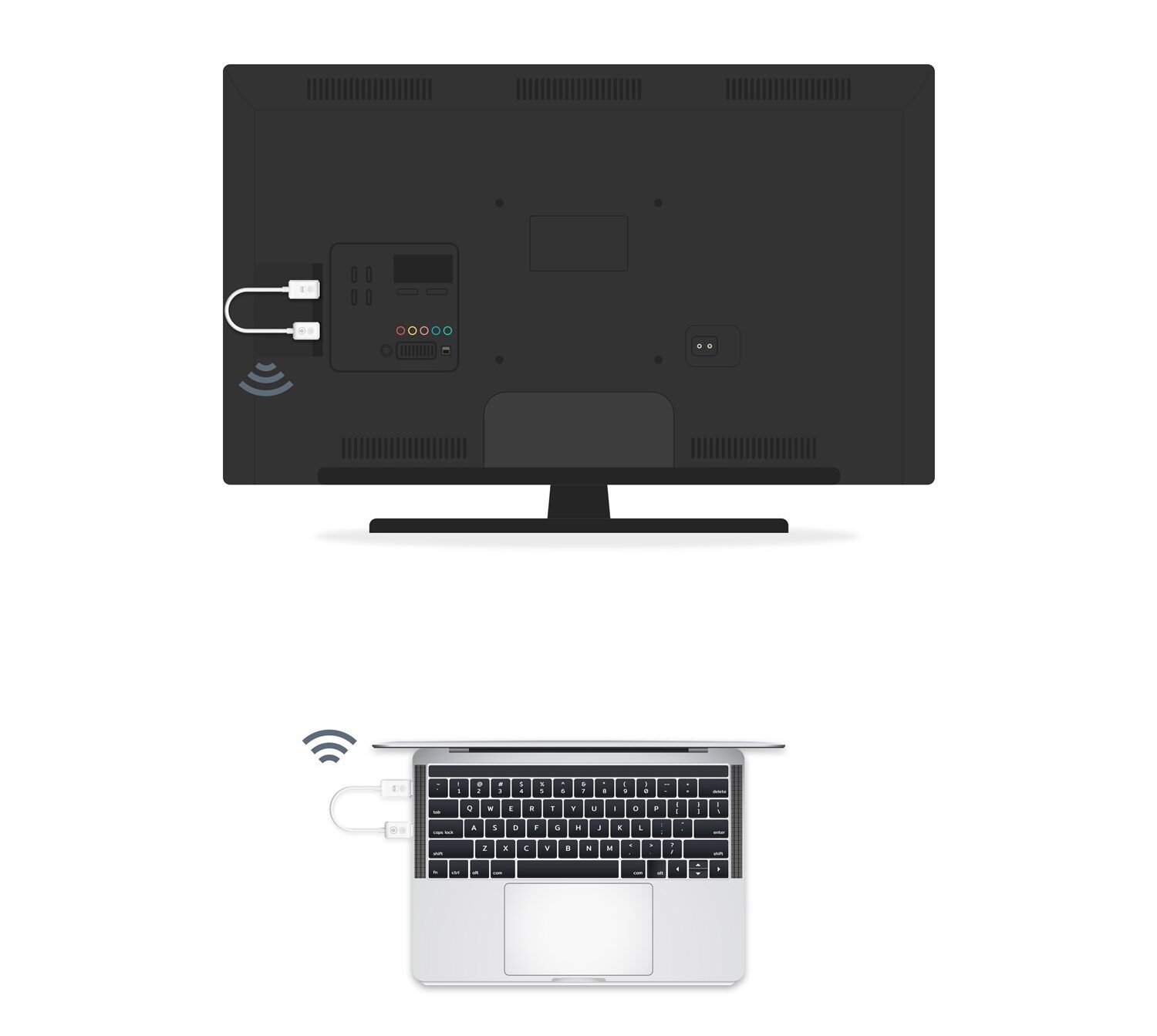
For home entertainment and gaming, results are solid but context-dependent. Casual console gaming at moderate distances works surprisingly well, with a responsive feel for non-competitive play. Mobile mirroring via the WHD221 handles apps, photos, and short videos fluidly. However, the slight latency can make rapid scrolling or touch-heavy games feel less immediate compared to the device’s native screen. Multi-room streaming (source in one room, display in another) eliminates cable runs effectively for movies or casual viewing.
There are limitations that arise from the technology. At 1080p over 802.11n, there’s visible compression compared to a direct HDMI cable. Fine details, dark scenes, or high-motion sequences can show artifacts, especially on larger screens. This makes them better for convenience than critical home theatre viewing. The 20m range is optimistic; expect best stability closer in. The WHD221 transmitter can get warm during extended sessions, though this rarely affects performance if it has breathing room. No 4K support or higher refresh rates limits the appeal for premium gaming or ultra-high-res setups.
VERDICT
The Optoma WHD221 and WHD211 are excellent wireless video transmission solutions for 1080p content, offering simple setup and reliable performance without the complexities of network setups. Priced around ₹12,000, they represent a solid investment for technology that provides quality output and the freedom of wireless connectivity. With options for HDMI (WHD211) and USB-C (WHD221), they cater to a variety of users, from gamers to professionals. Key strengths include ease of use, solid stability, decent latency for presentations and casual gaming, and good cross-platform compatibility. At the same time, weaknesses include compression artifacts, lack of 4K support, and thermal issues in the USB-C model. Ideal for those who need wireless convenience in dynamic environments, they offer great value for everyday use where practicality is prioritized over perfection.