


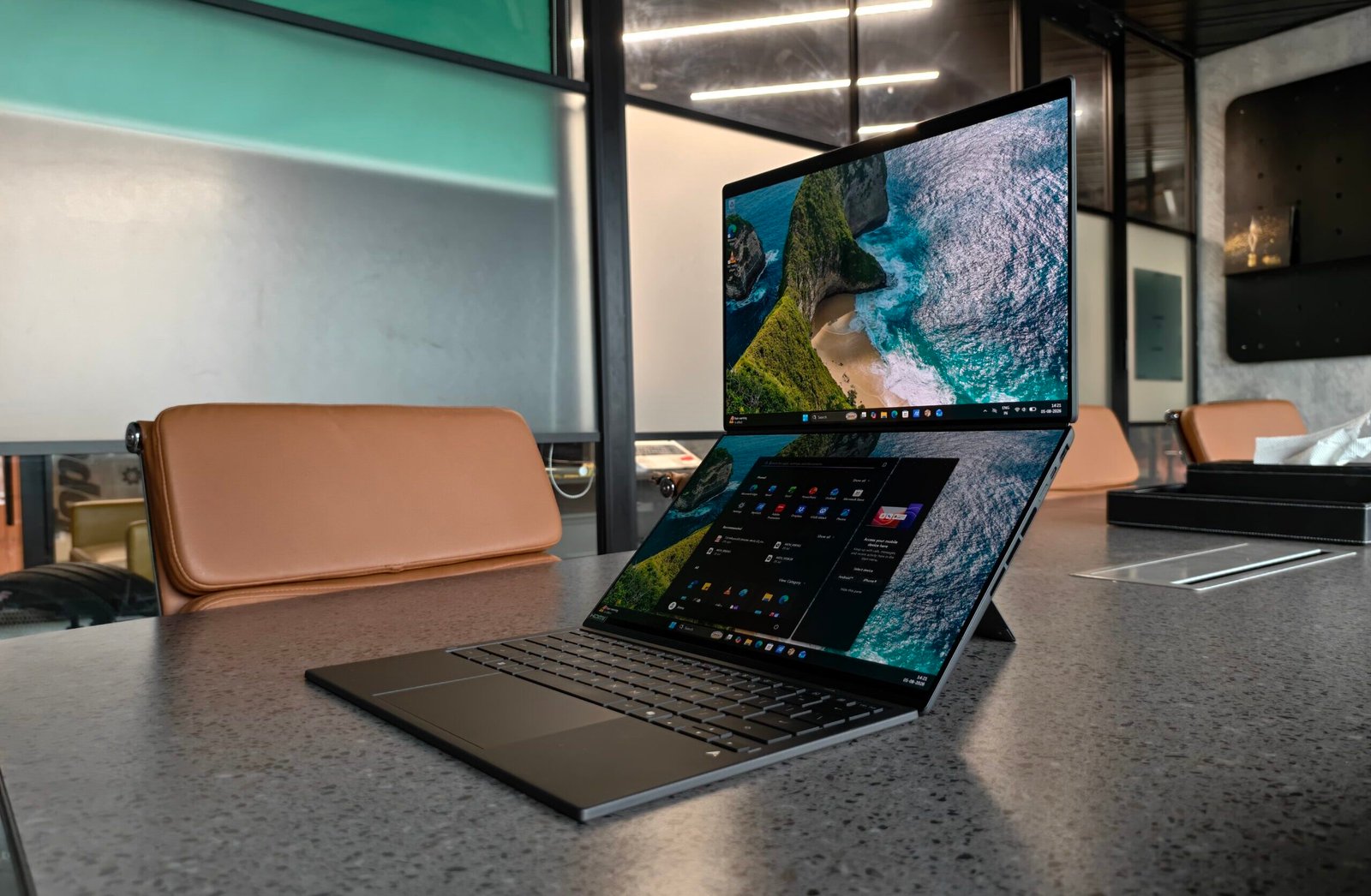
The dual-screen setup on the ASUS Zenbook Duo completely transformed how I work. Having two full-size displays right in front of me made multitasking feel natural and efficient. I no longer needed an external monitor to keep reference materials, documents, or browser windows visible at the same time. Everything stayed on the laptop itself, which cut down on desk clutter and made working from cafés, hotel rooms, or even my lap far more practical. The extra screen real estate simply removed friction from my daily workflow. Is this the ultimate laptop for work? After several weeks of heavy use, I have my answer.
DESIGN & BUILD
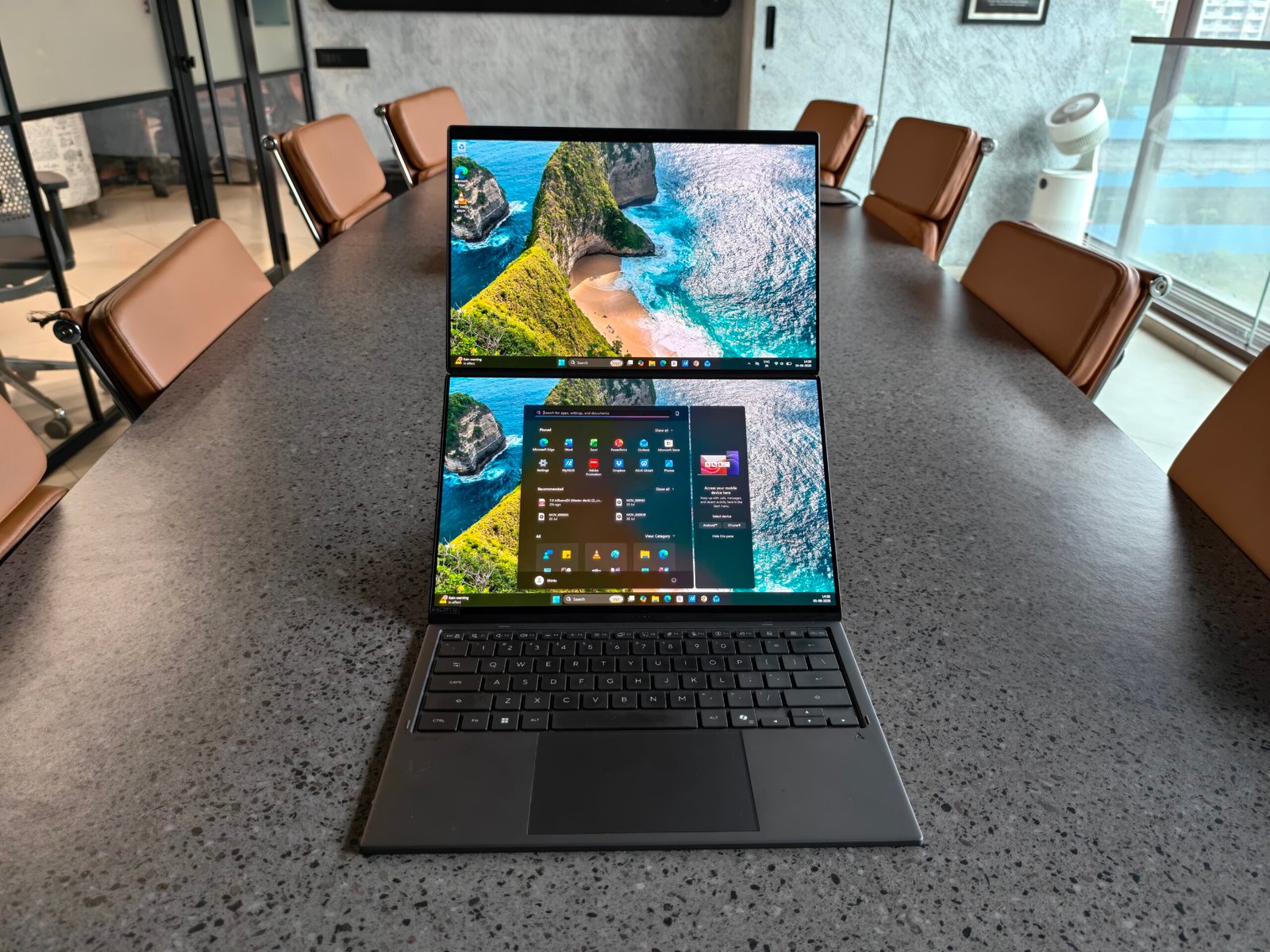
The first thing that stands out is the dual-screen design. Two identical 14-inch OLED panels sit stacked when you open the lid, connected by a solid, well-engineered hinge. That hinge feels strong and holds the upper screen firmly at any angle I set. It moves smoothly without any wobble or creaking, which is impressive given the weight of two full displays. Unfortunately, it does not fold all the way to a 360-degree tablet or tent style. That limitation became noticeable when I wanted to share a presentation or slide deck with someone sitting across from me. A full 360-degree hinge would have made those face-to-face moments more convenient. As it stands, the maximum open angle works fine for personal use and side-by-side collaboration, but it falls short for pure presentation scenarios.
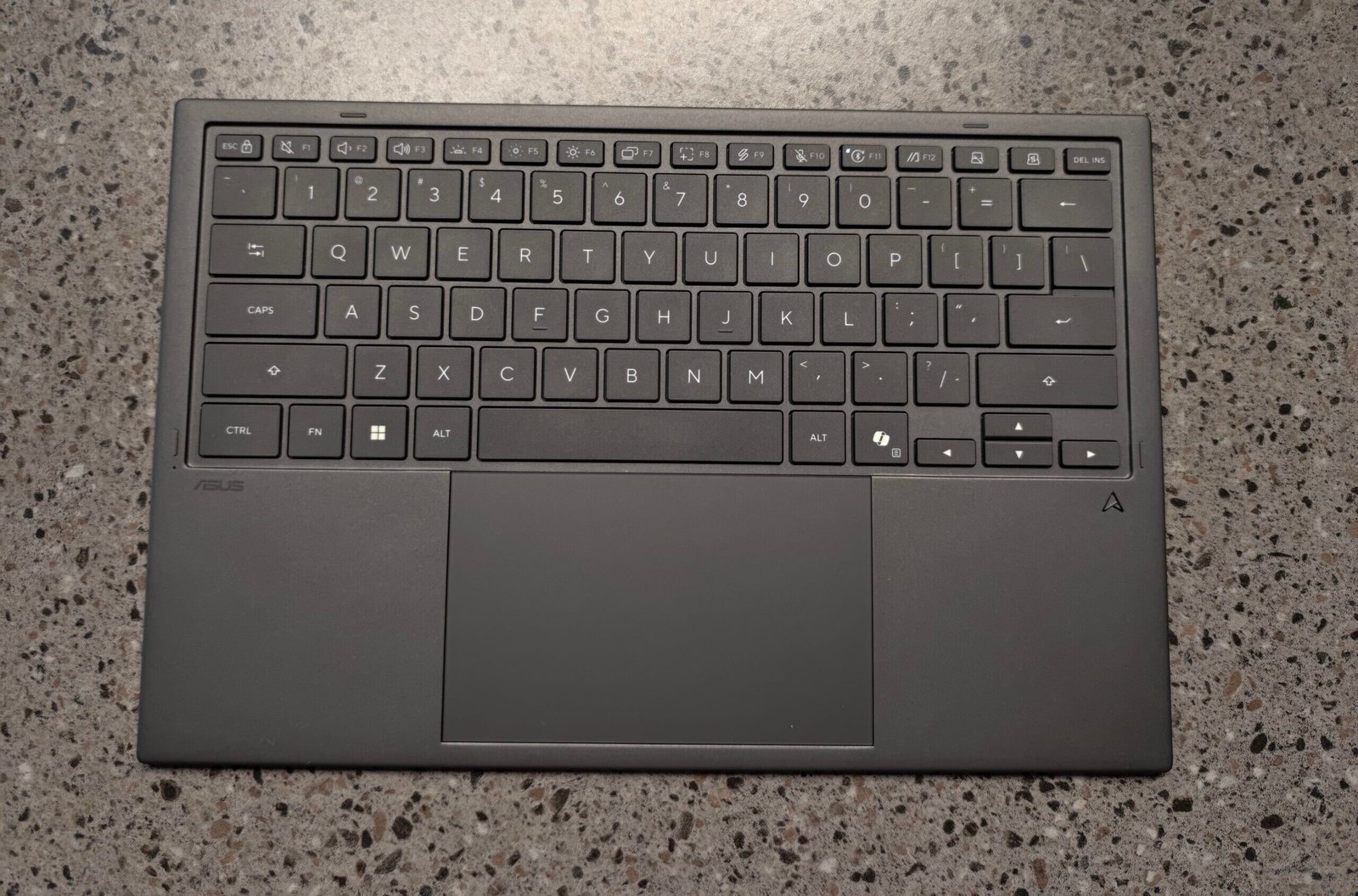
The keyboard is a clever piece of engineering. In normal laptop mode, it magnetically snaps onto the lower display and connects through a row of pogo pins. Those pins handle both power and data, so the keyboard charges while it is attached and feels completely integrated. When I switch to dual-screen mode, I simply lift it off, and it automatically pairs over Bluetooth and continues working without any lag or dropouts. The keyboard itself is full-size with comfortable key travel and a solid typing feel. The touchpad is large and responsive. ASUS also includes a thin stylus that supports pressure sensitivity, which pairs nicely with the touchscreens for note-taking or light sketching.
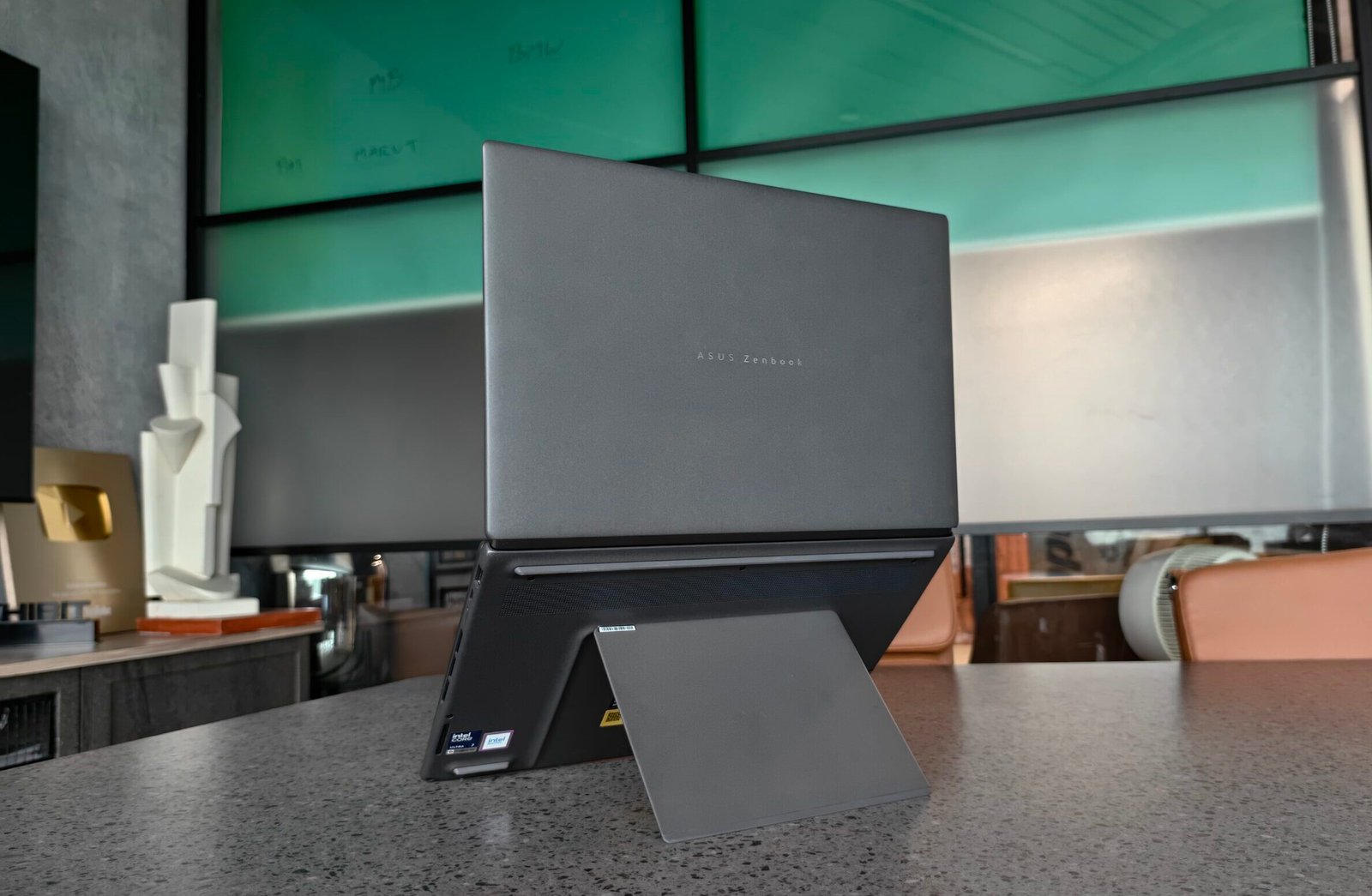
Underneath the chassis sits a sturdy built-in kickstand. Flipping it out lets the entire unit sit at a comfortable viewing angle with both screens stacked vertically. The stand feels rigid and does not flex even when I rest my hands on the lower bezel. The overall build quality is excellent, with an aluminum chassis, precise panel gaps, and a premium finish that resists fingerprints better than expected. Closed, the laptop is thicker than a conventional 14-inch ultraportable because of the dual panels and stand, but at roughly 1.65 kg with the keyboard attached, it remains portable enough for daily commuting. The design prioritizes flexibility over absolute thinness, and that trade-off feels intentional and successful.
PERFORMANCE & FEATURES
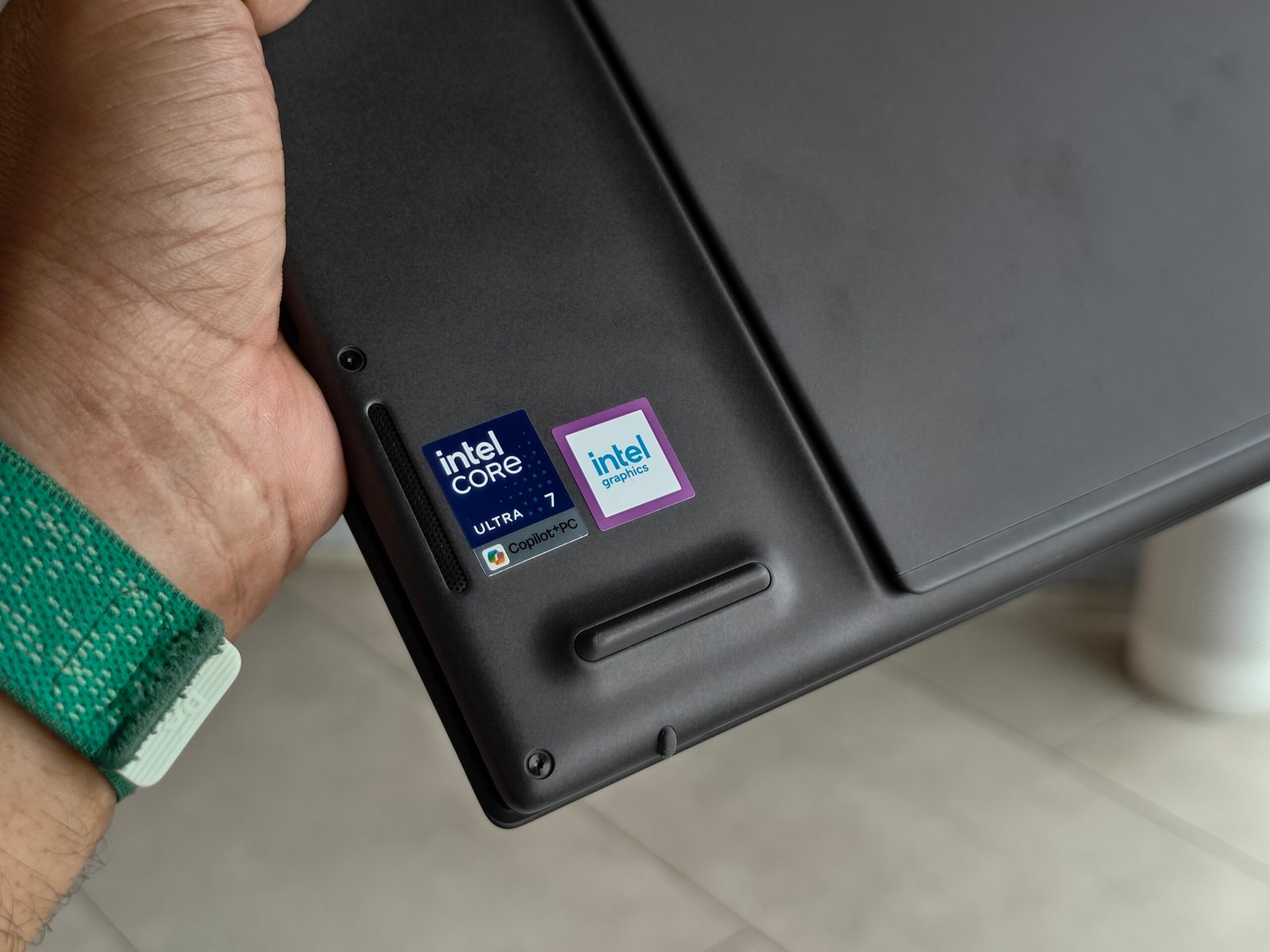
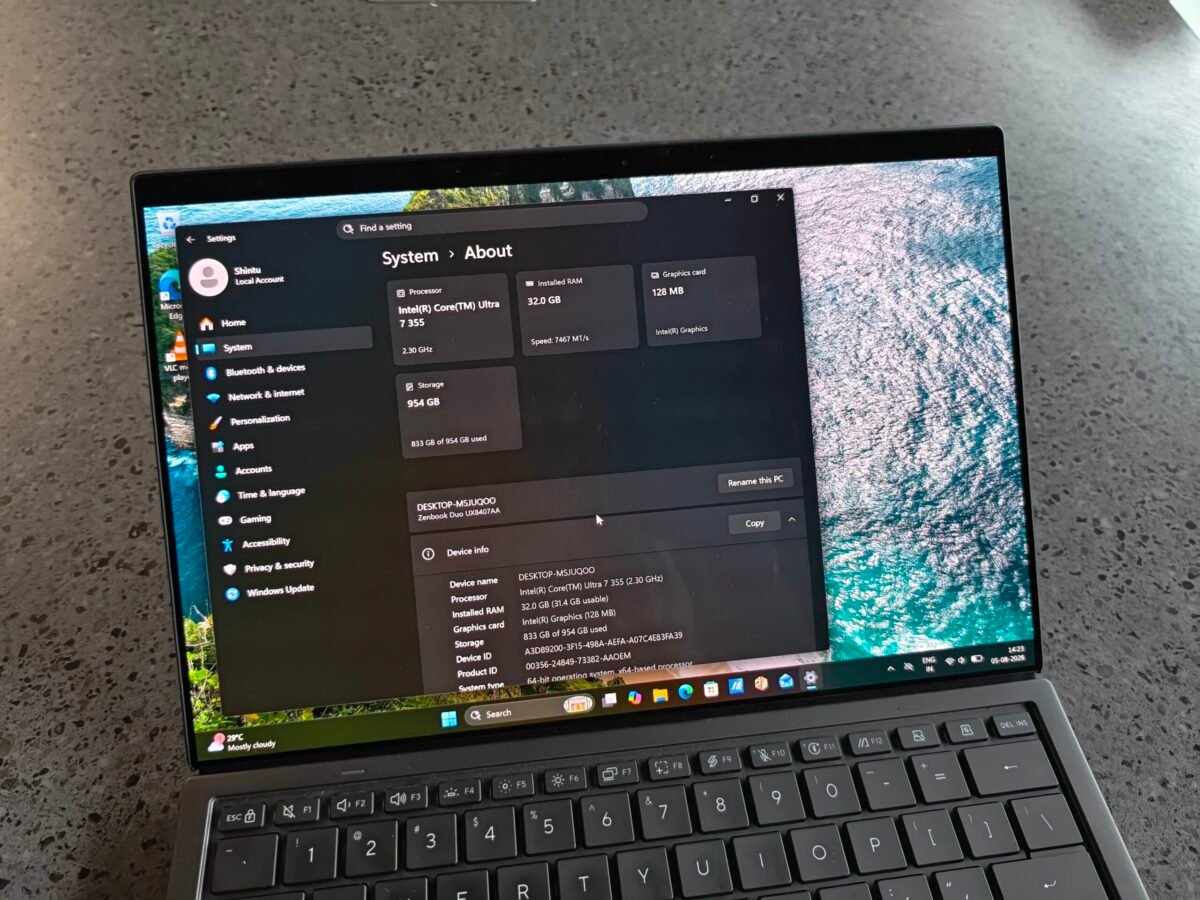
Under the hood sits an Intel Core Ultra 7 355 processor paired with 32 GB of LPDDR5X RAM and a fast 1 TB NVMe SSD. These specs proved more than capable for everything I threw at the machine. Multitasking was never an issue. I routinely kept more than thirty Chrome tabs open alongside Microsoft Office apps, Notion, a code editor, and several reference PDFs. The system stayed responsive with no stuttering or thermal throttling under normal workloads. The dedicated NPU handled AI-assisted tasks such as background blur in video calls and on-device image processing without taxing the main CPU.
This is not a gaming laptop, and ASUS does not market it as one. Still, I tested a few titles at medium settings on the integrated Intel Arc graphics. Lighter games ran acceptably, while more demanding ones required lowered resolutions or settings to stay playable. For occasional casual gaming or media consumption, the performance is fine; serious gamers will want something with discrete graphics.
Battery life matched my expectations once I adjusted usage patterns. With both OLED displays active at moderate brightness, I consistently saw four to five hours of mixed productivity work like web browsing, document editing, and video calls. Switching to single-display mode by attaching the keyboard extended that to around eight hours. Official claims are higher under ideal conditions, but real-world mixed use with both screens on drains the 75 Wh battery faster. Fast charging helps; a short plug-in session quickly restores usable capacity. The dual 14-inch OLED panels themselves are a highlight. They deliver vivid colours, deep blacks, excellent contrast, and a smooth 120 Hz refresh rate. Text looks sharp, photos and videos look rich, and the touch response is precise. Working across both screens feels immersive and efficient; once you experience the expanded workspace, it is hard to go back to a single panel.
Software support is well thought out. ASUS ScreenXpert makes it easy to arrange windows across the two displays, and multi-finger gestures on the lower screen quickly summon a virtual keyboard, touchpad, or utility panel when needed. The ports are practical: two Thunderbolt 4 USB-C ports, one USB-A, HDMI, and a headphone jack cover everyday needs without requiring a dongle for most situations.
The ASUS Zenbook Duo delivers on its promise of enhanced productivity with dual full-size OLED screens that eliminate the hassle of constant window switching. Its detachable keyboard and built-in stand allow for seamless transitions between traditional and dual-screen use. With a Core Ultra 7, 32 GB of RAM, and a 1 TB SSD, it performs well for demanding multitasking, though battery life is average with both screens active. While it can't fold completely flat, this is a minor inconvenience. For individuals balancing various applications, such as writers, developers, and designers, this serves as an ideal and portable alternative to an external monitor. However, for simpler workflows, a standard ultraportable might be more practical. Overall, the Zenbook Duo stands out as a compelling productivity tool.
-
Build & Design
-
Performance
-
Battery